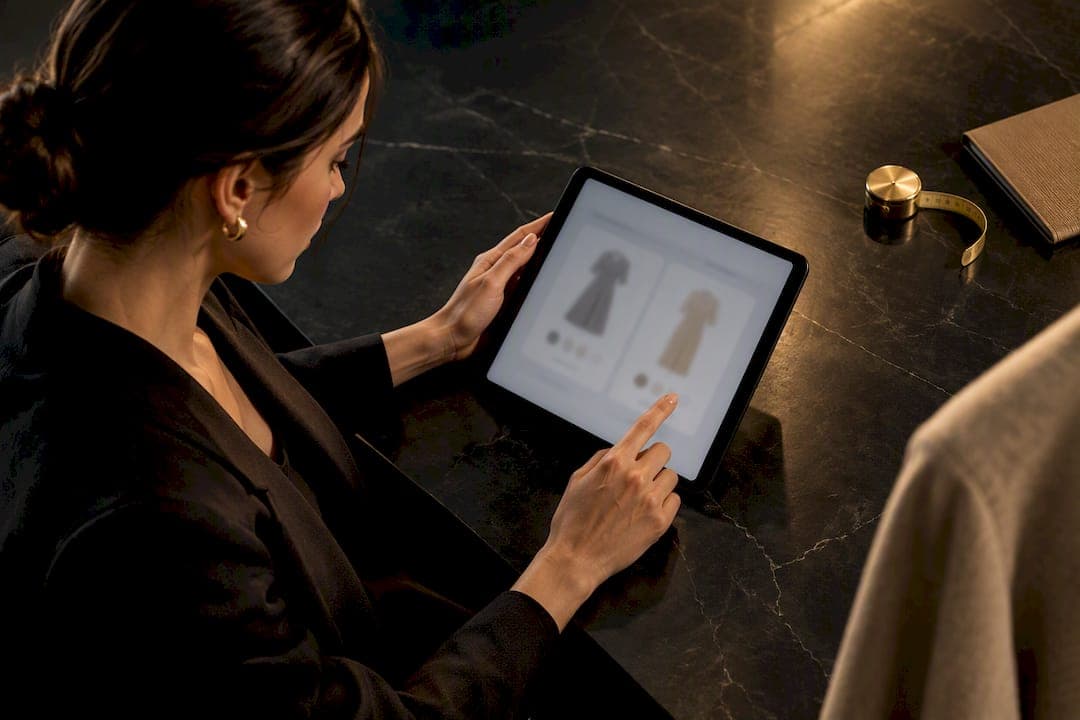
Virtual try-on helps you narrow down style and silhouette fast, but it does not guarantee comfort, fabric behavior, or optical fit for glasses. The right move is to use it as a first filter, then confirm with real measurements. Compare multiple sizes on screen, check the seller's dimension chart, and read the return policy before you commit.
TL;DR:
- Virtual try-on tools that allow size toggling improve confidence and accuracy in assessing fit, making side-by-side comparison essential.
- Most virtual try-ons accurately show silhouette and face or frame shape but cannot reliably predict fabric behavior or comfort after wear.
- Uploading personal photos raises privacy concerns; using an avatar or built-in model options can protect biometric data while still aiding size checks.
- Comparing at least two adjacent sizes and cross-checking measurements against the product chart significantly reduces sizing mistakes.
- Reliable tools feature size-controllable views, clear measurement tables, confidence cues, and transparent return policies to support informed purchasing decisions.
Table of Contents
- How virtual try-on renders your size on screen
- What virtual try-on usually can't tell you
- A step-by-step checklist to size yourself accurately
- Which tools actually give you useful sizing signals
- What to check before uploading your photo
- What actually works when you're shopping
- Try MyTenue's avatar-based sizing before you buy
- Sources
- FAQ
How virtual try-on renders your size on screen
Virtual try-on works a few different ways, and knowing which one you're using changes how much you should trust the image. Basic overlay tools place a flat garment graphic over your photo. Model-based systems show the item on a generic body close to your stated measurements. Newer generative systems, like the size-controllable approach described in SiCo's ACM research, let you toggle between sizes on the same image so you can see exactly how the fit shifts.
For eyewear, the system maps facial landmarks (nose bridge, temple width, eye distance) to place the frame. For clothing, it segments your body or avatar into zones (shoulders, waist, hips) and stretches the garment mesh accordingly.
- Overlay tools show color and shape only, with no size logic behind them.
- Model-based renders approximate fit using averaged body data, not your exact frame.
- Size-controllable systems let you compare sizes directly, which the SiCo study found improved users' confidence and their ability to judge fit.
The takeaway: if your tool only shows one size at a time, you're getting a picture, not a fitting.
What virtual try-on usually can't tell you
Virtual try-on is effective for showing silhouette, color, and how a frame sits on your face shape. However, it can be unreliable for details that determine actual fit and comfort once worn.
- Good at: overall proportion, relative garment length, frame shape versus face shape.
- Weak at: fabric drape, stretch, shoulder seam placement, sleeve or hem fall.
- Weak at: optical centering, bridge fit, and lens comfort for prescription glasses.
- Common failure causes: low-resolution photos, poor lighting, single-size-only displays, and smoothing effects baked into the rendering model.
People often treat a single try-on image as proof of fit, when CHI 2026 research found users tend to rely on virtual try-on for final verification rather than genuine exploration, and that unclear confidence signals lead to overtrust. That gap between what the image implies and what the fabric actually does is where most sizing regret starts.
A step-by-step checklist to size yourself accurately
Treat every virtual try-on session like a mini-investigation. Here's the order that gets you the most reliable answer.
- Measure a garment you already own and love the fit of. Note chest, waist, hip, and inseam for clothing, or temple length, lens width, and bridge width for glasses.
- Upload a clear, front-facing photo in neutral light, or build an avatar using your real measurements. Follow the app's photo guidance closely.
- Compare at least two adjacent sizes side-by-side in the tool. Watch how sleeve length, waist ease, and hem coverage shift between them.
- Cross-check the product's measurement table against your own numbers, not just the size label.
- Read the fit notes and return policy before buying. A generous exchange window matters more than any render.
- For prescription eyewear, confirm your PD (pupillary distance) and bridge width with an optician before ordering corrective lenses.
Pro Tip: Save a screenshot of each size comparison, then match it against the brand's own measurement chart. The two together beat either one alone.
This sequence mirrors what SiCo's research recommends: enter your usual size label, then actively compare it against a neighboring size rather than trusting a single static image. Related reading on how virtual fitting rooms reduce returns walks through why this comparison step matters so much.

Which tools actually give you useful sizing signals
Not every virtual try-on tool is built the same, and the difference shows up the moment you try to make a real decision. Look for these signals before you trust the output.
- Size-controllable visualization, where you can switch sizes and see the change instantly, rather than a fixed single-size render.
- A clear product dimension table alongside fit notes ("runs small," "true to size") and photos showing the model's own size.
- Stated confidence or uncertainty cues, since CHI 2026 findings suggest that tools flagging low-confidence areas (like fabric tightness) help shoppers avoid overtrusting the visual.
- Avatar or model-image alternatives, so you're not forced to upload a personal photo just to compare sizes.
- A visible, easy return or exchange policy listed near the try-on feature itself.
Platforms that connect product data cleanly across pages, the kind of integration ecommerce connectivity tools are built around, tend to keep these measurement tables current, which makes the comparison step above actually reliable.
What to check before uploading your photo
Uploading your face or body to any AI tool is a privacy decision, not just a styling one. CNIL's guidance on AI models and GDPR expects providers to be transparent about how they train on and retain user data, and to respect deletion and access rights.
- Read the privacy notice before uploading anything. Look for clear language on retention and deletion.
- Check whether you can delete your photo or avatar data afterward. This should be a one-step process, not a support ticket.
- Use an avatar or model image instead of a personal photo when that option exists. It gets you the same size comparison without the biometric exposure.
- Prefer services that name a contact point for privacy questions. A vague policy is a signal, not a technicality.
What actually works when you're shopping
Virtual try-on earns its place as a first filter: it narrows your choices fast and shows you what a color or cut looks like on your face or frame. It never replaces a tape measure or a returns page.
Some virtual try-on tools offer avatar and size-comparison features that let you preview outfits in context before you touch a measuring tape. Even then, cross-check the numbers. For prescription eyewear specifically, no app substitutes for a professional confirming your optical measurements.
— Ahmed
Try MyTenue's avatar-based sizing before you buy
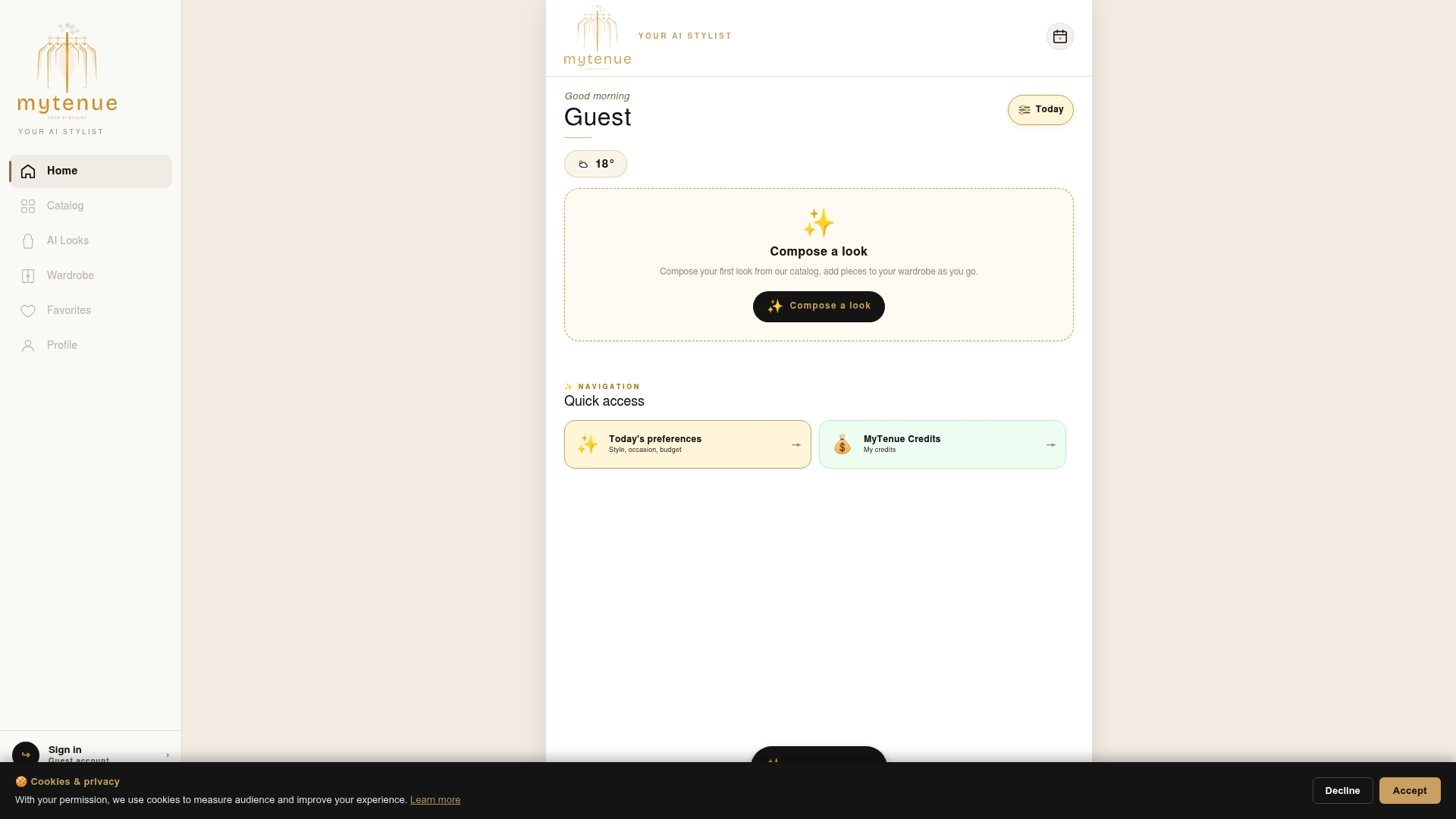
MyTenue turns the checklist above into something you can actually do in a few taps: build your avatar once, then preview outfits from your own wardrobe with high-quality virtual try-on and side-by-side size context, all matched to the weather and occasion.
It won't replace a measuring tape for a first-time brand, and we'd never claim otherwise. Pair the avatar preview with the product's own size chart and you've covered both sides of the decision.
| Plan | Price |
|---|---|
| Free | No published price |
| Basic | Check the pricing page on the app site for current prices |
| Premium | Check the pricing page on the app site for current prices |
| Gold | Check the pricing page on the app site for current prices |
Pro Tip: Start on the Free tier, build your avatar, and run a size comparison on one item before deciding if a paid plan fits your wardrobe habits.
See the plans and start your avatar on the MyTenue app page.
Sources
- SiCo: An Interactive Size-Controllable Virtual Try-On Approach for Informed Decision-Making
- Understanding user experience with virtual try-on and design implications for online fashion shopping
- IA : Analyser le statut d’un modèle d’IA au regard du RGPD | CNIL
FAQ
Can virtual try-on tell me my exact clothing size?
Not on its own. It shows you proportion and style accurately but can't confirm fabric stretch or comfort, so pair it with a measurement check against the product's dimension chart.
Why do my virtual try-on results look distorted or mismatched?
Poor lighting, low-resolution photos, and inconsistent posture are the most common causes of visible glitches in try-on renders. Retake the photo in even, front-facing light and keep your posture neutral for a cleaner match.
Is it safe to upload my photo to a virtual try-on app?
Check the app's privacy notice first: CNIL guidance expects providers to explain data retention and honor deletion requests. When an avatar or model-image option exists, it lets you skip uploading a personal photo entirely.
Can virtual try-on help me pick prescription glasses?
It can show you shape, color, and general balance on your face, but it doesn't confirm optical centering, bridge fit, or lens comfort. Always confirm your PD and bridge width with an optician before ordering corrective lenses.
How many sizes should I compare in a virtual try-on session?
Compare at least two adjacent sizes side-by-side rather than viewing one size in isolation. Research on size-controllable try-on found this comparison approach measurably improved users' confidence in judging fit.