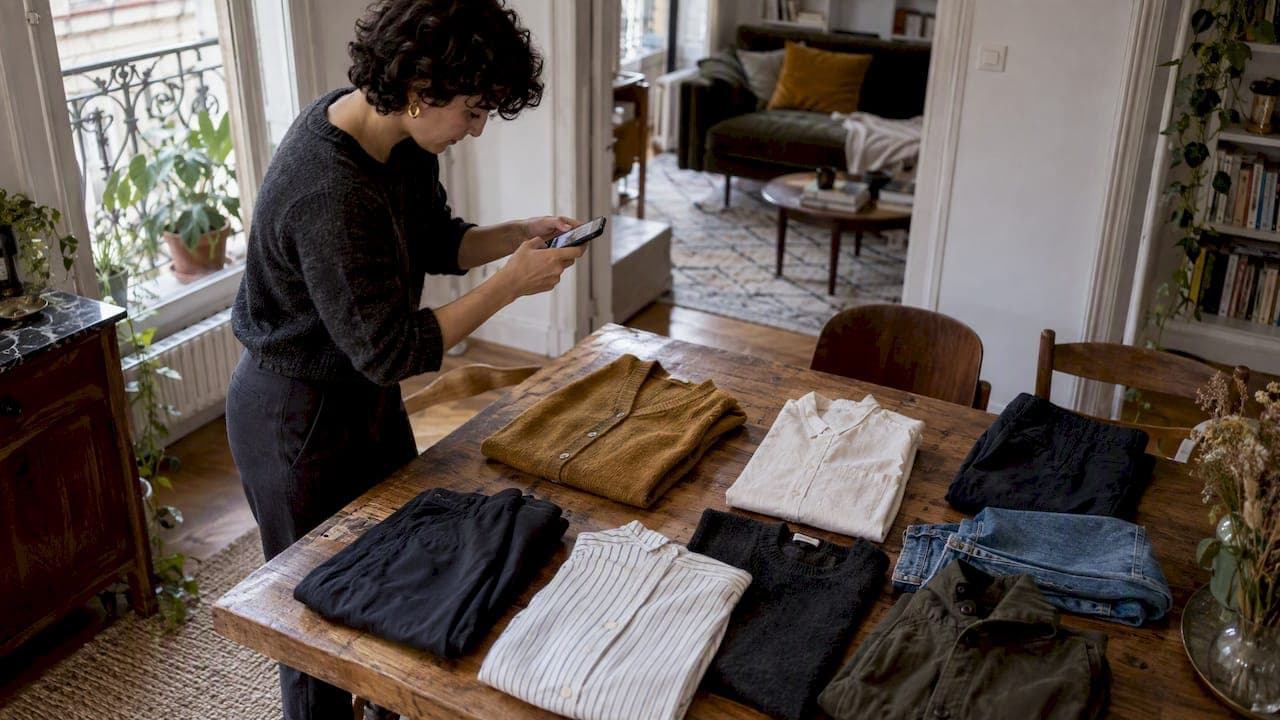
AI can now turn a handful of photographed wardrobe pieces into ready-made outfit options in minutes. Start by uploading photos of 8 to 12 key items, or just one garment, and let the system cross-match colors, patterns, and occasions for you. We built MyTenue around exactly this workflow, so you can try it the moment you finish reading.
TL;DR:
- Start with 8 to 12 pieces that already coordinate, photograph them in daylight against plain backgrounds, and tag each item’s color, category, and fabric.
- Specify the occasion, weather, comfort needs, and exclusions, then request day, evening, and casual looks; check proportions and color harmony, and revise any awkward combination.
- Retailer catalog tools recommend new inventory, while wardrobe based planners build combinations from owned clothes; choose them to wear more of your own items.
- Photo search may return an exact match only when a logo or unique marker is visible; otherwise, expect a close variant or visually similar item.
- The Free tier tests core features; Basic, Premium, and Gold cost €5.99, €9.99, and €16.99 monthly, while catalog browsing uses in app credits.
Table of Contents
- How AI helps you match clothes: core capabilities
- Tool types you'll encounter (categories, not brands)
- Step-by-step: use AI to create reliable outfits from your closet
- How to use a photo to find or match a garment
- Quick color and pattern rules to use when evaluating AI picks
- Why MyTenue fits this workflow
- Customization options as your budget and style evolve
- How AI handles diverse fashion styles and cultural preferences
- Examples of AI-curated outfits improving everyday confidence
- Author perspective: realistic expectations and quick wins
- Try MyTenue now
- FAQ
- Sources
How AI helps you match clothes: core capabilities
We use AI to handle the parts of getting dressed that eat up your morning. Here's what it actually does for you:
- Wardrobe digitization: photograph your pieces once, and we catalog them for instant reuse.
- Virtual try-on: see outfits on your own avatar before you commit to them.
- Weather-aware suggestions: we factor in the forecast so you're not stuck in wool on a warm day.
- Color and fabric analysis: we flag clashing tones or mismatched textures automatically.
- Style scoring: each outfit gets a quick compatibility read, so you know what works before you leave the house.
Since this relies on photos of your belongings, and sometimes of you, CNIL guidance on AI development is worth knowing. It outlines when personal data protections apply and what safeguards a responsible platform should use.
Tool types you'll encounter (categories, not brands)
Outfit apps fall into a few distinct categories, and knowing which one you're using changes what you should expect from it.
- Virtual try-on and avatar-fit tools: these show clothes on a digital version of you, which helps you judge fit and proportion without changing outfits five times.
- Wardrobe-management and outfit-planner tools: these catalog what you own and schedule looks on a calendar, so you stop rewearing the same three combinations.
- Image-based search and recognition tools: upload a photo of a garment, and these extract color, pattern, and category to find matches or similar pieces.
- Chat or prompt-driven assistants: you describe an occasion or mood in plain language, and the assistant proposes combinations on the spot.
The biggest practical difference is where the suggestions come from. Catalog-driven tools pull from a retailer's inventory and push you toward buying something new. Personal-wardrobe generation works from what you already own, which keeps your closet in use and your spending down. Both have a place, but if your goal is to assortir vêtements you already own, the wardrobe-based approach gets you dressed faster.
Step-by-step: use AI to create reliable outfits from your closet
Getting outfits you'll actually wear takes a short setup, then a bit of back-and-forth. Here's the sequence we recommend:
- Digitize 8 to 12 key items. Shoot each piece flat or on a hanger, against a plain background, in good daylight, and tag the category, color, and fabric.
- Give the AI context. Tell it the occasion, the weather, your comfort priorities, and anything you want excluded, like "no stripes with this jacket."
- Ask for three outfit sets. Request a day look, an evening look, and a casual option, and ask for a flat-lay or mockup image of each.
- Evaluate fit and color harmony. Check proportions against your body type and confirm the palette holds together, then refine with a follow-up prompt if something feels off.
- Save and test for a week. Add the picks to a calendar or packing list and wear them in real conditions before judging the system.
Pro Tip: Start with a true capsule, 8 to 12 pieces that already mix well on their own, rather than your whole closet. A smaller set gives the AI cleaner signal and gets you usable outfits on the first try.
This sequence mirrors what we walk through in our own step-by-step outfit curation guide, and the proportion checks line up with our notes on tailoring recommendations to body shape.
How to use a photo to find or match a garment
A single photo can do a lot of work if you shoot it right. Visual recognition tools extract the category, dominant color, pattern, and fabric texture from an image, then turn those details into searchable keywords.
- Center the item in the frame and avoid clutter behind it.
- Use a neutral background, a wall or a bed sheet works fine.
- Shoot from multiple angles if the garment has a pattern or detail that matters.
- Crop tightly so the AI isn't guessing which object you mean.
One capability worth knowing: image-search tools can return three types of results depending on what's visible in your photo: an exact reference when a logo or unique marker is present, a close variant, or a visually similar item, according to Lens App's documentation on photo-based product search.
A simple workflow: upload a photo of a jacket, confirm the detected color and fabric are correct, then ask for pieces from your own digitized wardrobe that coordinate with it.
Quick color and pattern rules to use when evaluating AI picks
AI suggestions are only as good as your ability to sanity-check them, and a few basic rules make that fast.
- Anchor with neutrals. Build the outfit around one or two neutral pieces, then add a single accent color so nothing competes for attention.
- Mix patterns by scale. Pair a small print with a larger one, and keep them in the same color family so they read as intentional rather than random.
- Push the AI toward your comfort zone. Ask it to bias toward "safe" combinations on busy days, or "bolder" ones when you want to experiment.
Pro Tip: If an AI-suggested outfit feels slightly off, swap one accent piece before rejecting the whole set. Often one item is doing all the clashing.
Why MyTenue fits this workflow
We built MyTenue around this exact sequence: wardrobe digitization, virtual try-on, weather-adapted suggestions, and an outfit calendar, all in one place. You photograph your pieces once, and we handle the matching, scoring, and scheduling from there.
This guide comes from Ahmed, who covers AI styling tools and wardrobe technology for our editorial team. The fastest way to see the system work is to digitize 8 items tonight and ask for three outfit sets tomorrow morning, a day look, an evening look, and a casual one. Most people notice the time savings within the first week.
Customization options as your budget and style evolve
Your style changes, and so should your tool. We offer four tiers so you can scale up as your needs grow: Free, Basic at 5.99 € per month, Premium at 9.99 € per month, and Gold at 16.99 € per month.
Start on Free to digitize your first pieces and get a feel for the suggestions. As your wardrobe grows or your style shifts toward new occasions, upgrading unlocks more advanced try-on and planning features without forcing you to start over. The premium catalog also runs on in-app credits, so you can browse curated pieces that match your evolving taste without committing to a full retail purchase. Because every recommendation is generated from your actual closet, the system adjusts automatically as you add or remove items, rather than locking you into a style profile from day one.

How AI handles diverse fashion styles and cultural preferences
A good outfit AI shouldn't push everyone toward the same look. We train our recommendations to respect the style signals you give us, whether that's a minimalist capsule wardrobe, a maximalist pattern-mixing approach, or pieces tied to specific cultural dress.
Because suggestions are generated from your own digitized items rather than a fixed catalog, the system naturally reflects what you already wear and value, instead of nudging you toward a generic trend. You can tag pieces with the occasions or traditions they belong to, and the AI will factor that context into future outfit sets. This matters more as wardrobes become more global and personal style draws from multiple traditions at once. The goal is coordination that fits your life, not a single aesthetic applied to everyone.
Examples of AI-curated outfits improving everyday confidence
Recent testing of consumer fashion apps found that AI-generated outfit tools reduce the number of combinations people try on before leaving the house, according to a 2026 app comparison that reviewed four outfit-creation apps. That kind of time savings is the practical payoff most people notice first.
A typical pattern looks like this: someone digitizes a small capsule, say a blazer, two pairs of trousers, and three tops, then asks for a week's worth of looks. Instead of staring at a closet for ten minutes each morning, they pick from three pre-built options. Over a week or two, that repetition builds a clearer sense of what actually works on them, which is often the bigger win: not just faster mornings, but more confidence in the choices.
For a structured path to that outcome, our guide on digitizing 8 to 12 closet pieces walks through the exact setup that produces these results fastest.

Author perspective: realistic expectations and quick wins
I've spent a good amount of time testing how these tools behave once you move past the demo and into a real closet. AI styling works best as an assistant you iterate with, not a magic stylist that gets it right on the first try. Start small: digitize a seven-piece capsule and ask for a week of outfits before judging the system.
— Ahmed
Try MyTenue now
Everything in this guide maps directly onto what we built. Digitize your first 8 items, tell us the occasion and weather, and we'll generate day, evening, and casual outfit sets from pieces you already own.
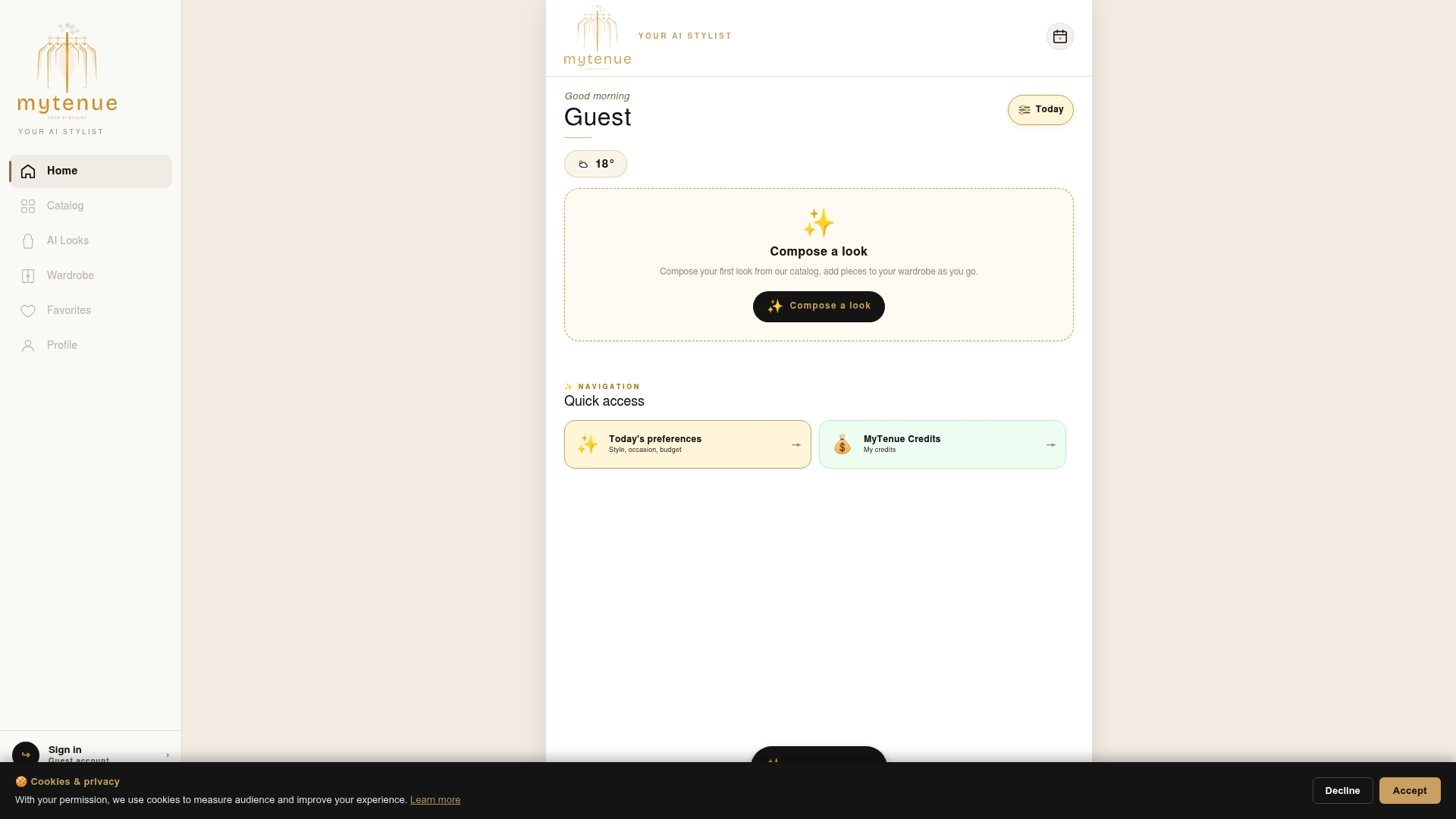
Our Free tier lets you test the core workflow before you commit to anything. When you're ready for virtual try-on and the full outfit calendar, upgrade right from the app. Start now on the MyTenue app page and see your first outfit sets within minutes.
FAQ
Which app can find a garment from a photo?
Several AI tools, including image-based search platforms like Lens App, can identify a garment's category, color, and pattern from a photo. Inside MyTenue, you can upload a photo of any piece to get matching suggestions pulled from your own digitized wardrobe.
How do I match clothing colors correctly?
Anchor your outfit with one or two neutral pieces, then add a single accent color so the look doesn't compete with itself. When mixing patterns, keep them in the same color family and vary the scale so one print reads as small and the other as large.
How can I change a garment's color in a photo?
Most AI outfit apps don't edit the photo itself, but they can show you how a similar piece would look in a different color through virtual try-on on your avatar. This lets you compare color options before buying anything new.
How do I change my outfit using AI?
Upload photos of your wardrobe items, then ask the AI for a specific occasion, like "casual weekend" or "work meeting," and it will generate matching sets from what you already own. You can refine the result by excluding colors or pieces you don't want included, and request a new combination instantly.
Sources
- Find a product with a photo thanks to AI — Lens App
- Quel est le périmètre des fiches pratiques sur l’IA ? | CNIL