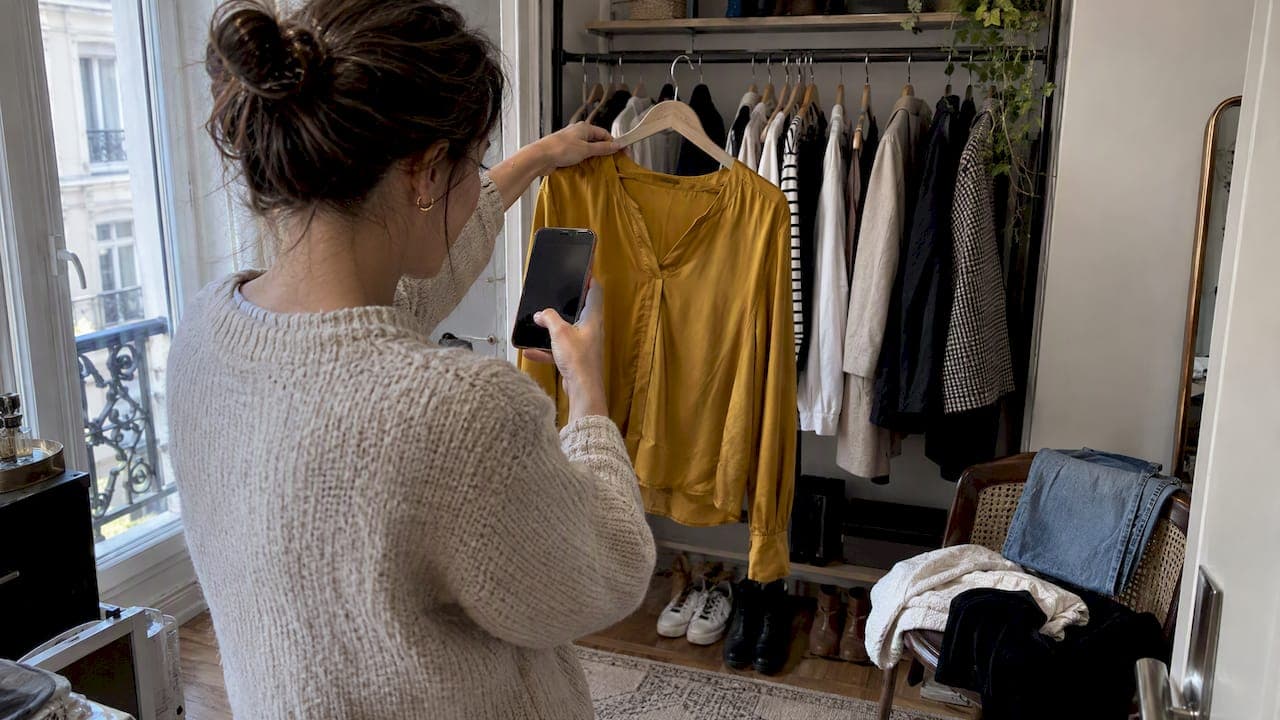
Yes, AI can genuinely help you discover and refine your personal style, and the fastest way to see it work is to upload a clear selfie and digitize a modest selection of wardrobe pieces today. That small step gives any AI stylist enough to start generating real outfit combinations instead of generic suggestions. We built MyTenue around exactly this starting point so you can watch the process happen in minutes, not weeks.
TL;DR:
- Digitizing 8 to 12 versatile wardrobe items is enough to generate useful outfit combinations without needing to scan your entire closet.
- Short feedback sessions of 30 to 60 seconds help rapidly refine AI suggestions and ensure they align with your style and preferences.
- Clear, well-lit photos of your face and clothes, plus a transparent privacy policy, are essential before sharing personal images with an AI styling platform.
- AI can enhance sustainability by rediscovering dormant clothes, promoting longer wardrobe rotation, and reducing impulse shopping.
- Allowing active user input to reject or override suggestions increases trust and helps AI better personalize outfit recommendations.
Table of Contents
- How AI styling tools actually work: the common 4-step workflow
- Step-by-step routine: how to discover your style with AI today
- Publisher example: what MyTenue does and what to expect
- Privacy and legal checklist before you upload photos
- How AI helps you be more sustainable with your wardrobe
- Limits and common pitfalls: what AI won't solve for you
- Author Ahmed: a short personal view on using AI without losing your taste
- Try MyTenue now: how to get started
- FAQ
- Sources
How AI styling tools actually work: the common 4-step workflow
Most AI styling apps, ours included, follow a workflow with four clear stages, as described in AAAI research on styling workflows. Understanding each step helps you get sharper results faster.
- Upload: you add a selfie and photos of your wardrobe pieces. Clear, well-lit images matter because the AI reads color, shape, and fabric directly from the pixels.
- Profile creation: the app builds a picture of you, including body shape, color palette, stated preferences, and the occasions you dress for.
- Outfit generation: visual classifiers score how pieces work together and assemble combinations that fit your profile.
- Iterative refinement: you react to suggestions, and the system adjusts. Research on personalization refinement shows these feedback loops often run just 30 to 60 seconds per session, which is why quick check-ins beat one long setup.
Outputs vary by platform: some show avatar try-ons, others generate flat-lay editorial images, and a few offer 2D or 3D previews. Our guide to how AI wardrobe analysis works breaks down the classification step in more depth if you want to see what happens behind the scenes.
Step-by-step routine: how to discover your style with AI today
Getting useful results is less about the app and more about how you feed it. Here is the sequence we recommend.
- Digitize 8 to 12 closet pieces. Pick your most versatile items: a couple of tops, bottoms, one jacket, and shoes you actually wear. Photograph each piece flat or on a hanger, against a plain background, in natural light, one item per shot.
- Take two reference photos of yourself. One full-body shot and one headshot, neutral pose, natural daylight, phone held at a consistent distance so the AI reads proportions accurately.
- Set your style goals. Note the occasions you dress for, colors you avoid, and any budget limits, then enter them directly into the app's preference fields.
- Run short iteration sessions. Spend 10 to 15 minutes reacting to outfit suggestions: reject what misses the mark, override the palette when needed, and save the combinations you like.
- Build your calendar. Schedule your saved favorites for the week ahead so outfit decisions stop being a daily chore.
Explicit negative feedback, meaning actively rejecting an item or outfit rather than scrolling past it, speeds up personalization significantly, according to AAAI's work on refinement loops.
Pro tip: Keep a short personal rule list, like "one signature color" and "two go-to silhouettes," so every AI suggestion still feels like you, not a stranger's closet.
Our step-by-step curation guide walks through this same routine with more detail if you want a second pass.
Publisher example: what MyTenue does and what to expect
We designed our app around the workflow above, so signing up follows the same logic you just read.
- AI-generated outfit recommendations built specifically from your own wardrobe.
- Virtual try-on so you see combinations on your own avatar before wearing them.
- Suggestions that adjust daily picks to the forecast.
- A bilingual interface.
- Editorial flat-lay images for a visual preview of each outfit.
We recommend digitizing a modest subset of closet pieces, which research on wardrobe digitization indicates is sufficient to unlock most useful combinations, as ADEME notes. A dedicated app like ours also remembers your profile between sessions, which matters: a one-off image generator starts from zero every time, while continuity and a saved calendar let refinement actually compound.
Privacy and legal checklist before you upload photos
Uploading a selfie and wardrobe photos means sharing personal data, so a quick privacy check is worth the two minutes it takes.
Under the GDPR, any company processing photos of your face or belongings through AI must be transparent about how that data is used and must honor your rights to access, correct, or delete it, as CNIL explains. Before you upload anything, look for:
- A clear statement of why your photos are being processed and for how long they are kept.
- Contact details for the organization responsible for your data.
- A plain answer to whether your images are used to train AI models, not just to generate your own recommendations.
CNIL guidance on informing users recommends that this information come in layered, concise notices, with the essentials visible at a glance and details available if you dig further. If an app cannot answer these three questions clearly, that is a signal to look elsewhere.
How AI helps you be more sustainable with your wardrobe
A lot of closets hide more wearable combinations than their owners realize, and AI is well suited to surfacing them.
- Reviving dormant items: the system proposes new pairings for pieces you have stopped wearing, often reconnecting you with clothes you forgot you owned.
- Weekly outfit rotation: planning several days at once mixes second-hand finds with core pieces instead of defaulting to the same three outfits.
- Choosing for longevity: AI can nudge you toward pieces that suit your established style, which ADEME calls emotional durability, since clothes that feel like "you" stay in rotation far longer than trend-driven buys.
The practical payoff is fewer impulse purchases, better use of what you already own, and smarter decisions the next time you do shop.
Limits and common pitfalls: what AI won't solve for you
AI styling is probabilistic, not definitive. A suggestion that scores well statistically can still miss your taste, which is exactly why editable palettes and override controls matter. Research on human-AI co-decision design found that giving users visible controls, rather than a black box, measurably improves trust and satisfaction, according to prototype work presented at Creativity & Cognition 2026.

There is also a paradox of choice: more generated options can feel more overwhelming, not less, unless the system lets you score and reject explicitly. Treat early suggestions as inspiration rather than instruction, save what resonates, and let your personal rule set keep the AI honest about who you actually are.
Author Ahmed: a short personal view on using AI without losing your taste
I treat AI as a creative assistant, never an oracle. It is excellent at widening your options and terrible at knowing your taste better than you do. Keep a small set of personal constraints, and let every suggestion pass through them before it reaches your closet.
— Ahmed
Try MyTenue now: how to get started
Everything above works the same way inside MyTenue. You digitize 8 to 12 pieces, set your style goals and constraints, then run a short iterative session to see your first real outfit suggestions.
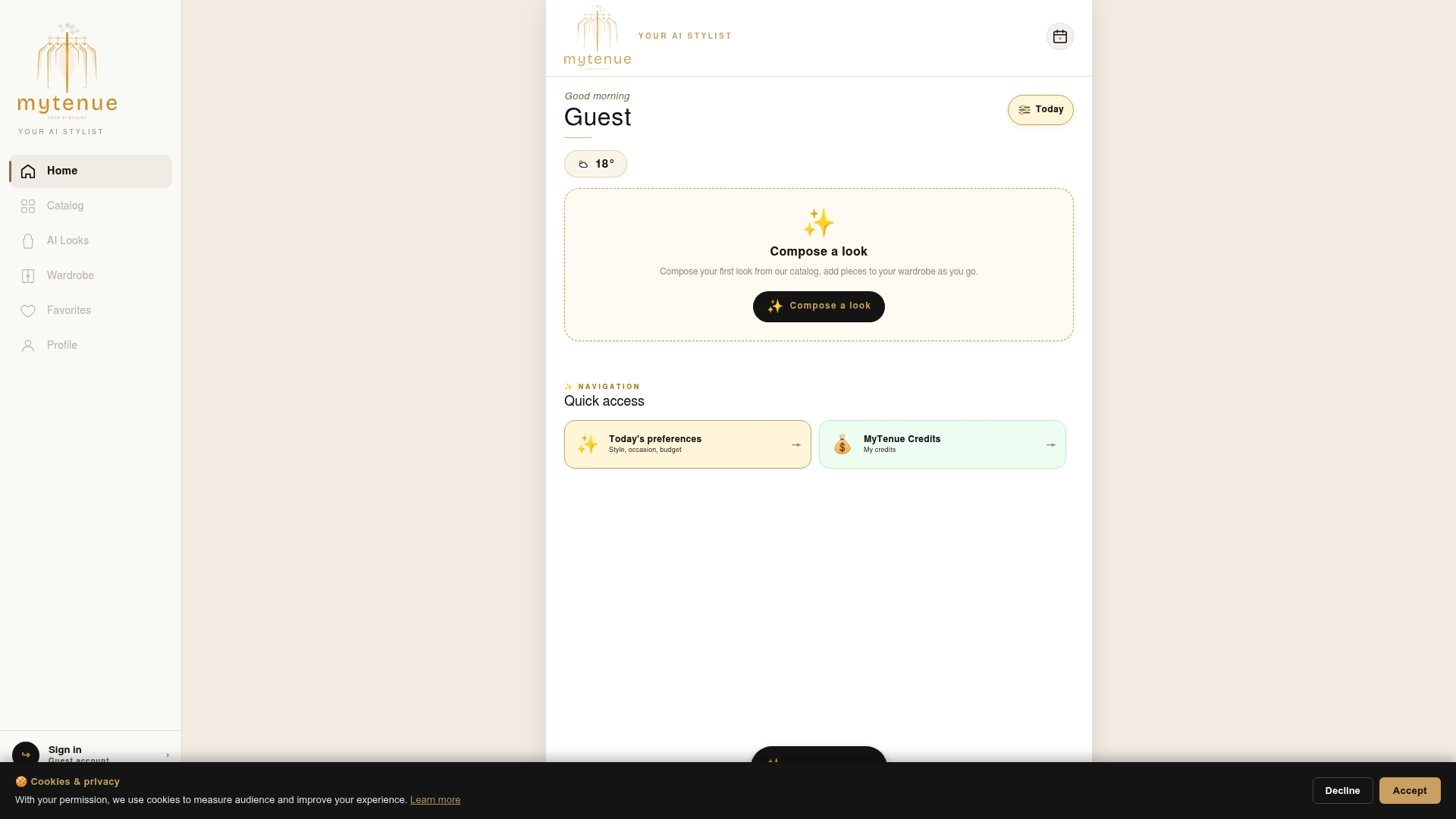
- AI outfit recommendations generated from your own wardrobe, not a generic catalog.
- Virtual try-on, weather-aware picks, editorial flat-lays, and a bilingual interface.
- Multiple plans including Free, Basic, Premium, and Gold options.
Head to our app signup page to start digitizing your wardrobe and see your first AI-generated outfit today.
FAQ
How long does it take to see useful AI style suggestions?
Most people see relevant outfit combinations within a single session once they digitize a modest selection of wardrobe pieces and upload a clear selfie. Refinement loops that react to your feedback typically run 30 to 60 seconds per cycle, so a short session often produces noticeably better picks.
Is it safe to upload my photos to an AI styling app?
It can be, as long as the app is transparent about why it collects your photos, how long it keeps them, and whether it reuses images to train its models. Under GDPR, you have the right to access, correct, or delete that data, so check for a clear privacy notice before uploading anything.
Do I need to digitize my entire closet to get good results?
No, digitizing 8 to 12 high-value pieces is usually enough to unlock most of the useful outfit combinations in your wardrobe. Starting small also reduces the decision fatigue that comes with managing too many options at once.
Can AI styling help me shop more sustainably?
Yes, AI can surface pieces you already own but rarely wear and propose new pairings for them, which increases how often you actually wear your closet. Choosing pieces that match your established style also supports what sustainability researchers call emotional durability, since well-matched clothes stay in rotation longer.
What does MyTenue cost to try?
The app offers a Free plan to start, with paid subscription tiers that unlock additional virtual try-on, flat-lay, and wardrobe planning features. Current prices are available on the pricing page.
Sources
- CNIL — IA : analyser le statut d’un modèle d’IA au regard du RGPD
- AAAI — workflow and iterative refinement for AI styling
- ADEME — What are the challenges of more sustainable fashion?
- CNIL — Informer les personnes concernées par l'IA
- AuraWear: Human-AI co-decision prototype (Creativity & Cognition 2026)