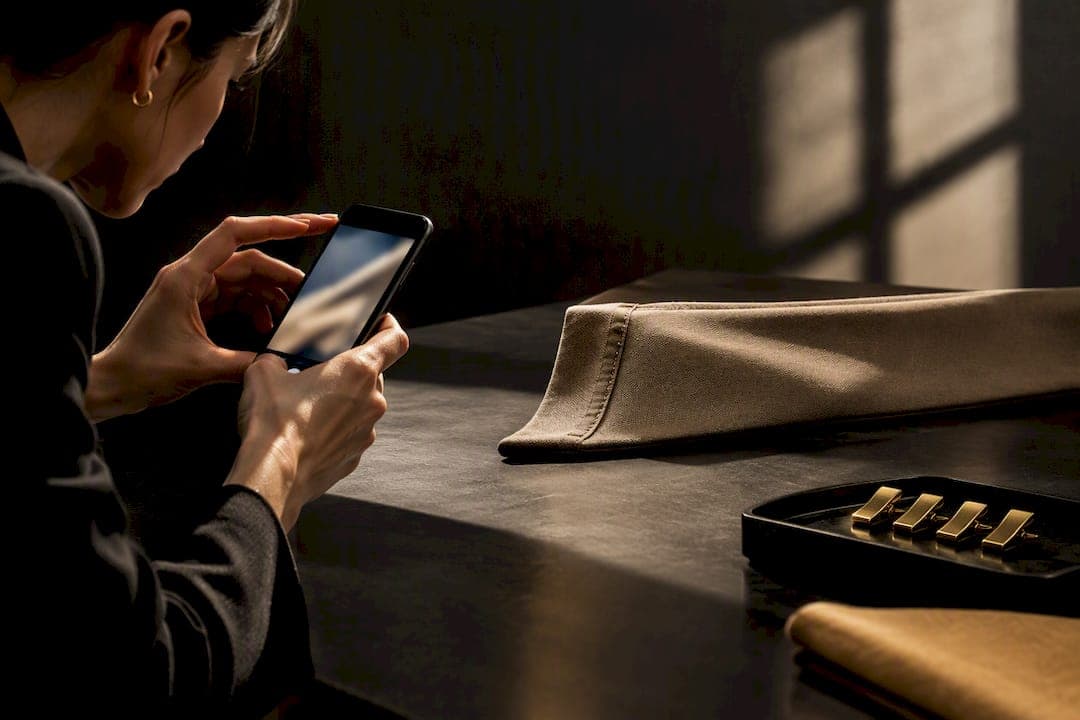
Yes, photographing your clothes for a virtual try-on app works, but only when the photo itself meets the app's technical needs. AI can't fix a blurry, badly lit, or oddly angled shot. Clean lighting, a plain background, and the right angles matter more than which app you download, because every AI tool depends on accurate segmentation and sizing to produce a believable result.
TL;DR:
- High-quality photos require even lighting, plain backgrounds, and multiple angles to produce convincing virtual try-on results.
- Apps depend heavily on accurate segmentation, sizing, and texture fidelity, which are compromised by blurry or poorly lit images.
- Uploading images with personal or face details to cloud-based apps raises privacy risks unless the app explicitly processes data on-device.
- Digitizing wardrobe items with Mytenue is possible using just a few well-prepped photos, enabling outfit planning without professional photoshoots.
- For marketplace listings, batch shoots with consistent settings are better suited than casual edits, ensuring a professional, uniform product display.
Table of Contents
- How Do You Photograph a Garment for Virtual Try-On?
- What Features Actually Matter in a Clothing Photo App?
- Is It Safe to Upload Clothing Photos to These Apps?
- How Mytenue Handles Garment Photos in Practice
- DIY or Hire a Pro: How to Decide
- Start Digitizing Your Wardrobe With Mytenue
- Where to Verify App Policies Before You Upload
- Sources
- FAQ
How Do You Photograph a Garment for Virtual Try-On?
Good input photos separate apps that produce convincing results from apps that produce a blurry mess draped over a mannequin. The process is simple, but skipping a step shows up immediately in the output.
Start by deciding whether you need a flat-lay or an on-body shot. A flat-lay, the garment laid flat on a surface, works best for texture and pattern fidelity and is what most product-photo generators expect. An on-body shot, worn or on a hanger, gives apps a sense of drape and fit but adds shadows and folds that can confuse background removal. If you're prepping for a marketplace listing, flat-lay first, then a worn shot if the app supports layering both.
- Shoot four angles minimum: front, back, a side view if the garment has structure (blazers, coats), and one close-up of the fabric texture or a distinctive detail like a button or seam.
- Light with diffuse daylight or a softbox. Avoid mixing window light with overhead bulbs. Mixed color temperatures confuse an app's white balance and throw off how fabric color renders on a model.
- Use a plain, high-contrast background. A neutral gray or white backdrop lets automatic masking tools separate the garment from its surroundings in seconds instead of guessing at edges.
- Center the garment with margin on all sides. Cropping too tight removes the reference space some apps use to estimate proportions and, in turn, size.
- Shoot at the highest resolution your device allows, and export in a format that doesn't compress heavily. Texture transfer, the process of mapping a fabric's weave and pattern onto a rendered model, needs detail that a heavily compressed JPEG throws away.
Pro Tip: If you're shooting more than a handful of items, mount your phone on a small tripod and lock your exposure and white balance settings once, then keep them fixed for the whole batch. Consistency across shots matters more than any single photo being perfect, especially if you're building a catalog.
What Features Actually Matter in a Clothing Photo App?
Every AI clothing app claims to do a lot. The features that actually determine whether your photo turns into something usable fall into three groups.
Technical features that do the heavy lifting:
- Background removal and segmentation, the process that isolates your garment from everything around it
- Garment mapping, how the app stretches and folds your fabric onto an avatar or model
- Texture and pattern fidelity, whether stripes stay straight and prints don't warp
- Fit and size estimation, which decides whether the rendered garment looks like it actually fits the body underneath it
User-facing features that decide how usable the output feels:
- Model or avatar selection, including body type and skin tone options
- Manual adjustment controls for when the automatic mapping gets something wrong
- Multi-angle rendering, so you're not stuck with a single frozen pose
- Export formats sized correctly for wherever you're posting the image
App listings across the Play Store routinely promise that uploading one photo generates multiple outfit visualizations or model shots, and some apps push that further, turning a single product photo into a full set of images ready for marketplaces like Etsy or Shopify. That capability is real, but it depends entirely on the input photo giving the app enough to work with.
Which features matter depends on what you're making. Personal styling leans on avatar realism, since you want to see how something might actually look on a body close to yours. E-commerce leans on consistency: standardized lighting, true white backgrounds, and uniform dimensions across every listing photo, because a mismatched product page looks unprofessional even when each photo is technically fine on its own. Product roundups covering this category tend to separate styling apps from product-photo apps for exactly this reason.
Is It Safe to Upload Clothing Photos to These Apps?
Where your photo gets processed matters as much as what the app does with it afterward. Some apps handle segmentation and rendering on-device, which limits how much of your data ever leaves your phone. Others send everything to the cloud, where a garment photo, especially one with your face or home visible in the background, sits on someone else's server.
Before uploading anything personal, check for a few specific things in the app's privacy policy:
- How long photos are retained after processing, and whether there's a hard deletion window
- Whether uploaded images can be used to train future AI models
- Whether photos or metadata get shared with third parties
- Whether the account settings actually let you delete your data, not just deactivate the app
If you're cautious, crop out your face, use a mannequin or hanger instead of wearing the garment yourself, and test the delete function before you commit to uploading your full wardrobe. Both major platforms publish policy pages governing how apps in their stores are required to disclose data handling, and Google's privacy policy is a reasonable starting point for understanding what disclosure should look like before you grant camera or storage permissions.
How Mytenue Handles Garment Photos in Practice
Mytenue's workflow starts with digitizing what you already own: scan pieces from your closet, and the app builds avatar try-ons and editorial flat-lays from those images rather than asking you to shoot studio-quality photos from scratch.
A handful of well-prepped photos go a long way here. Two or three AI-ready shots, front angle, even lighting, a plain background, and correct crop with clean file metadata, are typically enough for the app to generate accurate outfit suggestions from that item. The colorimetry analysis runs in about 20 minutes once photos are uploaded, and scanning around 15 items generally produces a set of curated outfit suggestions within roughly 14 days as the system learns your wardrobe's color and style patterns.
- Digitize wardrobe items through photo upload, no professional shoot required
- Generate avatar-based try-ons to preview outfit combinations before wearing them
- Produce editorial flat-lay images from scanned pieces for a cleaner visual reference
- Plan outfits on a calendar based on weather and occasion
Pro Tip: If you're digitizing a full closet, batch your scans by category, tops one session, bottoms the next, so lighting and angle stay consistent within each group even if it shifts slightly day to day.
DIY or Hire a Pro: How to Decide
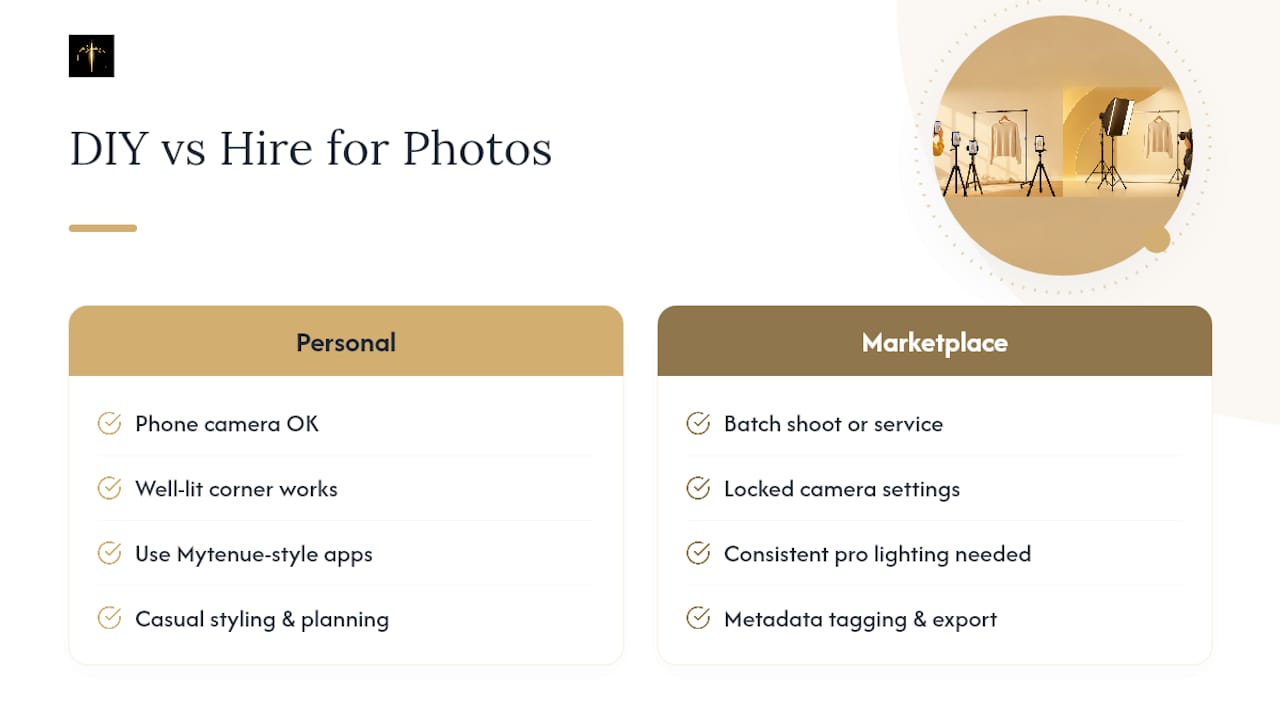
If your goal is styling yourself and planning outfits, a phone camera and a well-lit corner of your bedroom is plenty. Apps like Mytenue's digitization tool are built for exactly this kind of casual, personal-use photo.
Selling on a marketplace changes the math. Buyers judge a listing photo in seconds, so inconsistent lighting or angles across a catalog reads as unprofessional. At that scale, a batch shoot with locked camera settings, or a dedicated digitization service, saves more time than it costs, especially once metadata tagging and export formatting enter the picture.
— Ahmed
Start Digitizing Your Wardrobe With Mytenue
Mytenue gives you a faster route to the outfit-visualization habit this guide just walked through, without the learning curve of mastering flat-lay lighting or manual background removal yourself. Instead of shooting studio-grade product photos, you scan what's already in your closet and let the app generate avatar try-ons, colorimetry results, and editorial flat-lays from those images.
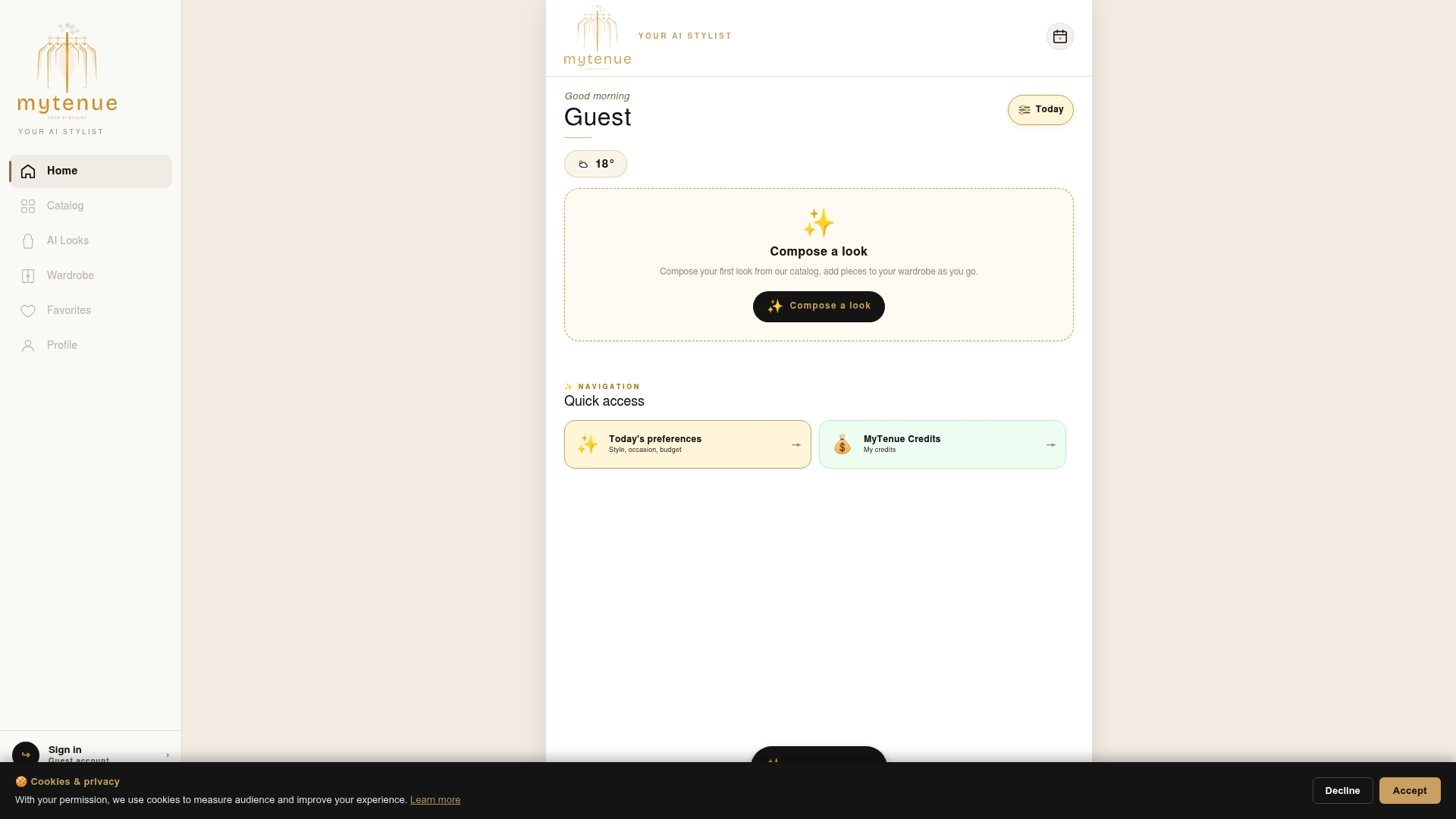
Getting started takes one afternoon. Scan 8 to 15 pieces from your closet, run the avatar try-on and colorimetry features to see how the app reads your existing wardrobe, and compare what you get against the Free, Basic, Premium, and Gold plans to see which tier matches how often you plan to use it. The Basic plan runs €5.99 per month, Premium €9.99 per month, and Gold €16.99 per month, each unlocking more of the styling and outfit-planning tools this guide covered. Head to the Mytenue app page to start your first scan today.
Where to Verify App Policies Before You Upload
Check a platform's own documentation before trusting an app with personal photos. Google Play's reporting tools let you flag suspicious app behavior, and Photoroom's help article on virtual mannequins walks through a typical garment-to-mannequin workflow.
Sources
- 6 applications de vêtements pour créer des tenues via IA 2026
- Afficher les vêtements sur les mannequins virtuels d'AI ...
- Policies
FAQ
What App Removes Clothes From a Person in a Photo?
Apps that isolate or remove clothing from a photo of a person exist primarily as image-editing tools built for garment try-on workflows, not as general-purpose editors. Treat any app requesting this kind of manipulation with extra scrutiny around data retention and consent, since photos involving another identifiable person raise privacy questions well beyond typical garment shots.
How Do I Search for a Piece of Clothing Using a Photo?
Most visual search happens through reverse-image search built into shopping apps or a phone's camera search feature, which matches your photo against a retailer's product catalog. Results tend to improve when your photo follows the same rules as try-on prep: plain background, good lighting, and the garment centered in frame.
Which App Finds Similar Clothing From a Photo?
Several shopping and styling apps include a visual-match feature that searches a catalog for items resembling whatever's in your photo, generally built into retailer apps or dedicated shopping-discovery tools rather than try-on apps themselves. Product roundups covering this space typically separate visual-search tools from try-on generators, since the two solve different problems.
How Do I Take Good Photos of My Clothes?
Shoot on a plain, neutral background under diffuse daylight, capture front, back, and a fabric close-up, and keep the garment centered with margin around the edges. Lock your camera's exposure and white balance if you're shooting more than one item, since consistency across a batch matters as much as any single photo's quality.
Does Mytenue Store My Clothing Photos?
Mytenue processes uploaded photos to build your digital wardrobe and generate avatar try-ons, flat-lays, and outfit suggestions. For specifics on retention and data handling, check the privacy details listed on the Mytenue app page before uploading sensitive images.