A closet app privacy check takes about five minutes and rests on four things: the permissions you grant, what the app says it does with your photos, how long it keeps them, and how easily you can delete your account. In France, the GDPR (RGPD in French) and the CNIL, the national data protection authority, give you clear rights on all four. This guide shows you how to use them. It also shows how we built MyTenue, our AI stylist app, around a wardrobe you control.
TL;DR
- A closet app holds more than clothes. Photos, body measurements, outfit habits and sometimes location can all end up in your account.
- Grant only the permissions the app needs, and only while you use it. The CNIL says the same.
- Body photos and measurements are personal data under the GDPR. Virtual try-on is a feature where the app's explanation of how it handles them matters most.
- You have the right to erase your data and to take it with you. Know where the delete button is before you upload 50 items.
- MyTenue has a public account deletion page and published terms of use.
Table of Contents
- What a closet app actually knows about you
- Why apps deserve more scrutiny than websites
- The permissions to grant, and the ones to question
- A five-minute checklist before you upload your wardrobe
- What the GDPR gives you in France
- AI features: what to ask yourself
- If you are a parent, a student or a busy professional
- How we approach it at MyTenue
- Try MyTenue on your terms
- Our point of view
- FAQ
- Sources
What a closet app actually knows about you
A digital wardrobe looks harmless. It is a catalog of shirts and sneakers. But the moment an app does more than list clothes, the data gets personal.
Here is what a typical AI closet app can end up holding:
- Account data: email, name or pseudonym, language, password.
- Wardrobe photos: every item you scan, sometimes with your room, your mirror or your face in the background.
- Style and budget preferences: brands, colors, occasions, price range. Together they sketch your lifestyle.
- Outfit history and calendar: what you wear and when, which can reveal your routine, your job, your events.
- Body data for try-on: height, weight, measurements, or a photo of you used to build an avatar.
- Device and location data: needed for weather-based suggestions, if you allow it.
None of this is bad in itself. A weather-adapted outfit needs your city. A try-on needs some idea of your body. The question is whether each piece of data is needed for the feature you are using, and whether the app tells you clearly what happens to it.
The French government's digital guidance for businesses states that size, weight, measurements and photos are personal data covered by the GDPR. It adds that analyzing images of a body can involve biometric data, and that processing the image directly on the device without keeping it is the recommended approach (francenum.gouv.fr, July 2026). That is the benchmark worth holding any try-on feature to.
Why apps deserve more scrutiny than websites
A mobile app sits closer to your life than a web page. According to the CNIL, an app can reach more varied and more intrusive data than a website, such as location, contacts, photos and microphone. It can also collect data when you are not actively using it (CNIL, September 2024).
The same page sets the rules. An app may not use your photos or contacts without your knowledge. It must ask for consent for any collection that is not necessary to deliver the service.
For a closet app, this has one practical meaning. Photo access is the core of the product, so it is legitimate. Contacts, microphone and constant location are not part of organizing a wardrobe. If an app asks for them, ask yourself which feature needs them.

The permissions to grant, and the ones to question
When you install a wardrobe app, your phone will ask for permissions one by one. Here is a simple way to answer.
| Permission | Needed for | Our advice |
|---|---|---|
| Camera | Scanning clothes, building your avatar | Grant it, ideally "only while using the app" |
| Photos | Importing existing pictures of your clothes | Grant access to selected photos if your phone offers it |
| Location | Weather-adapted daily suggestions | Optional. Grant it only if you want automatic local weather |
| Notifications | Daily outfit reminders | Optional. Turn them off if they annoy you |
| Contacts | Nothing a wardrobe needs | Question any request |
| Microphone | Nothing a wardrobe needs | Question any request |
The CNIL recommends limiting permissions to those that are necessary and granting them only while the application is active. It also recommends checking regularly, in your phone settings, which apps can reach your camera and microphone (CNIL).
On both iOS and Android, you can find this under Settings, then Privacy (iOS) or Privacy and permissions (Android). Do it once after installing, then again every few months.
A five-minute checklist before you upload your wardrobe
You do not need a law degree. Run through these steps in order.
1. Read the store listing and reviews
The CNIL's first precaution is to check reviews and ratings before downloading. Look for comments on privacy, account deletion and unexpected data requests, not only on design.
2. Find the privacy information and the terms
Under the CNIL's recommendation on mobile apps, the information given to users must include the mandatory elements of GDPR articles 13 or 14. It must also say whether each processing is mandatory or optional, including what refusing it means for your use of the app (CNIL recommendation, May 2025). In plain terms, you should be able to learn who runs the app, why each piece of data is collected, and what happens if you say no.
Look for these answers:
- What data is collected, and for which feature?
- Who receives it (service providers, advertisers, affiliate partners)?
- How long is it kept?
- How do I delete my account and my photos?
3. Use a pseudonym where you can
Another CNIL precaution is to use a pseudonym instead of your full name. A wardrobe app does not need your legal identity to suggest a blazer.
4. Be selective with body data
Try-on is where you share the most. Give the measurements and photos the feature needs, and no more. The government guidance above says only the strictly necessary should be requested, and that you should be able to delete it at any time.
5. Check how photos are framed
You control what is in the picture. Shoot clothes on a hanger or flat against a plain wall, not in front of family photos, mail or an open window. Our guide on photographing clothes for AI try-on walks through four angles that keep the shot clean and your surroundings out of it.

6. Locate the delete button now
Find the account deletion route before you invest an evening scanning. The CNIL's last precaution is to uninstall unused apps and delete the account too. Removing the icon alone does not erase what is stored on the provider's side.
What the GDPR gives you in France
You do not have to rely on goodwill. A handful of rights apply to any closet app that serves users in the European Union.
The right to be informed
The app must tell you what it does with your data, in clear and readable language. The CNIL's booklet for young users, Un océan de données (March 2025), lists this right first (CNIL).
The right to erasure
You can ask the provider to delete your data. The same CNIL booklet explains that you make the request to the service first. If you get no answer within one month, you can turn to the CNIL.
Erasure is not unlimited. According to the legal publisher Lefebvre Dalloz, article 17 of the GDPR applies in listed cases. Examples are data no longer needed for the original purpose, withdrawal of consent with no other legal basis, or a valid objection (Lefebvre Dalloz, updated May 2025). For a typical closet app, closing your account and withdrawing consent is the straightforward route.
The right to portability
You can get your data in a structured, machine-readable format. You can also have it passed to another provider when that is technically possible (same Lefebvre Dalloz page). The CNIL booklet gives the everyday version: recover your photos and take them elsewhere. For a wardrobe, that means your clothing pictures are yours, not the app's.
Data minimization and limited storage
The CNIL's guidance on minimizing collected data requires that only adequate, relevant and necessary data be collected. It asks for reduced precision where possible, a documented retention period for each category of data, and automatic erasure when that period ends (CNIL, January 2020). This is the standard to keep in mind when an app asks for your exact birth date to suggest a jacket.
AI features: what to ask yourself
AI makes a closet app useful. It tags a sweater by color and fabric, scores how well pieces go together, and renders you in a new outfit. It also means your images are processed by software.
Three questions help you judge any AI wardrobe feature:
- What goes in? Clothing photos are low-risk. A full-body photo of you is more sensitive.
- What stays? Look for how long images are kept and whether you can delete them.
- What is optional? The CNIL says information must state whether each processing is mandatory or optional. A good app lets you use the wardrobe organizer without the avatar.
The reassuring part: you can do a lot with clothing photos alone. Digitizing your wardrobe, getting outfit ideas and planning looks on a calendar all start from pictures of garments. If you want to build that library at a comfortable pace, our guide to scanning 10 to 15 items in an hour or two shows how, and you decide when to add try-on.
If you are a parent, a student or a busy professional
The checklist is the same, but the priorities differ.
Busy parents. Many wardrobes are shared in practice. Do not photograph your children in the app unless you are comfortable with it, and keep clothing shots clean of background. Children's data deserves extra care under the GDPR, which lists services offered online to children among the grounds for erasure (Lefebvre Dalloz page above).
Students. You are likely to try a free tier first. That is a sensible approach: start on a free plan, grant minimum permissions, and upgrade only if the features earn it.
Young professionals. Your outfit calendar can reveal meetings, trips and routines. Use a pseudonym, keep location off if you do not need local weather, and review permissions each quarter.
Fashion enthusiasts. You will probably use try-on and flat-lay images the most. Keep body data to what the avatar needs, and check what the app says about it.
How we approach it at MyTenue
MyTenue is an AI stylist for iOS and Android, also available on the web. It builds outfits from your own wardrobe, with virtual try-on on your personal avatar, editorial flat-lay images, weather-adapted daily suggestions and a calendar for planning.
Here is what we publish for you to read and use:
- Terms of use, the rules of the service.
- An account deletion page, so you know the way out before you start.
- A guide on keeping photos private while photographing clothes.
- A bilingual interface, French and English, so the options are in the language you read best.
We also want you to understand the tools. Our explainer on how a virtual fitting room really works covers what try-on does and what it needs from you. For sizing, six steps to accurate virtual try-on sizing shows how to give the app useful information without oversharing.
Try MyTenue on your terms
MyTenue has a free plan with no published price, so you can start by scanning a few pieces and seeing the outfits. Paid plans are Basic at €5.99 per month, Premium at €9.99 per month and Gold at €16.99 per month. Choose the level that fits how much of the wardrobe, try-on and flat-lay features you want to use. You can see all plans and download the app on the MyTenue app page, for iOS and Android.
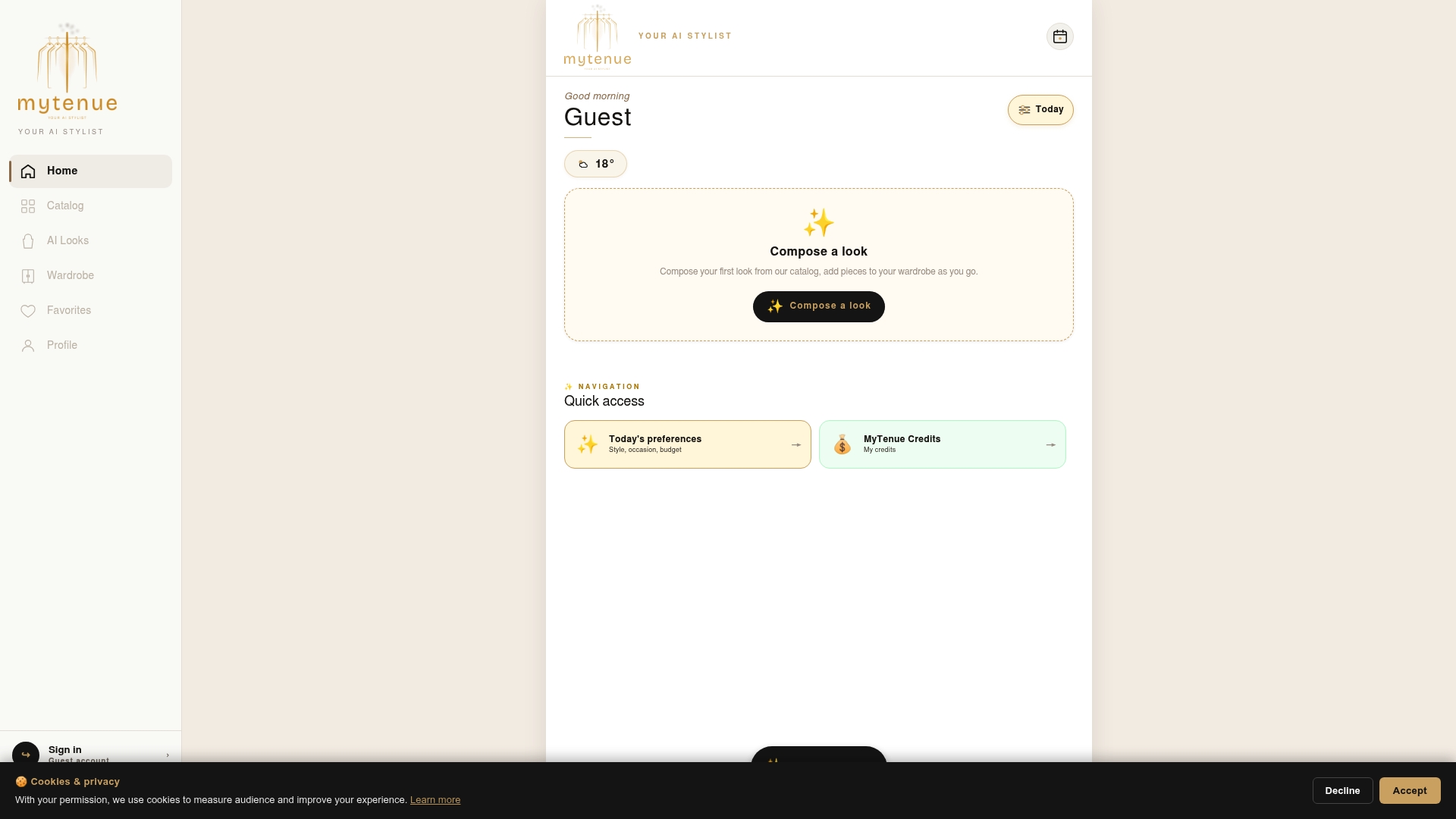
Start small: grant camera access only while the app is open, add a handful of items, and build from there.
Our point of view
Your wardrobe is one of the most personal catalogs you own. It says what you can afford, where you work, what you wear to weddings and what you wear on a Monday morning. A style app should treat it that way.
We built MyTenue around your own clothes. That is the idea: use what you already have, add new pieces only when they make sense, and let AI do the tedious matching. It starts with a photo of a garment, not with a profile of you.
The best privacy habit is a simple one. Give each feature what it needs and no more. Scan clothes first. Add the avatar when you want to see a look on yourself. Keep notifications and location for the moments they help, such as a weather-based suggestion before you leave.
We want you to know where the exit is, too. That is why the terms and the account deletion page are public. A tool you trust is a tool you will actually use every morning, and that is when a digital wardrobe starts to save you time.
Ahmed
FAQ
Can a closet app see my photos without my permission?
No. According to the CNIL, an app may not use your photos or contacts without your knowledge, and it must ask for consent for collection that is not necessary to the service. On your phone you can also limit access to selected photos and review permissions in the settings at any time.
Is my body photo biometric data?
Possibly. French government guidance on virtual try-on says that analyzing images of the body can involve biometric data, and it recommends processing the image on the device without keeping it. For you, the useful step is to share only what the try-on feature needs and to check that you can delete it at any time.
How do I delete my account and my data?
Use the app's deletion route first. For MyTenue, the account deletion page explains it. Under the GDPR you can also request erasure from the provider. If you get no answer within one month, the CNIL says you can take your case to it.
Can I take my wardrobe photos to another app?
In principle, yes. The GDPR right to portability lets you receive your data in a structured, machine-readable format and have it transmitted to another provider when technically possible. Your own clothing photos are also yours to keep on your phone.
Do I need to turn on location for a closet app?
Only for features that use it, such as weather-adapted outfit suggestions. The CNIL advises enabling location only when necessary. If you do not need local weather, leave it off and the wardrobe features still work from your photos.
Sources
- CNIL: Applications mobiles, votre vie privée devra être mieux protégée
- CNIL: Recommendation on mobile applications (May 2025)
- CNIL: Un océan de données (March 2025)
- CNIL: Minimiser les données collectées
- francenum.gouv.fr: aide à la taille et essayage virtuel par IA
- Lefebvre Dalloz: Droits des personnes concernées, RGPD