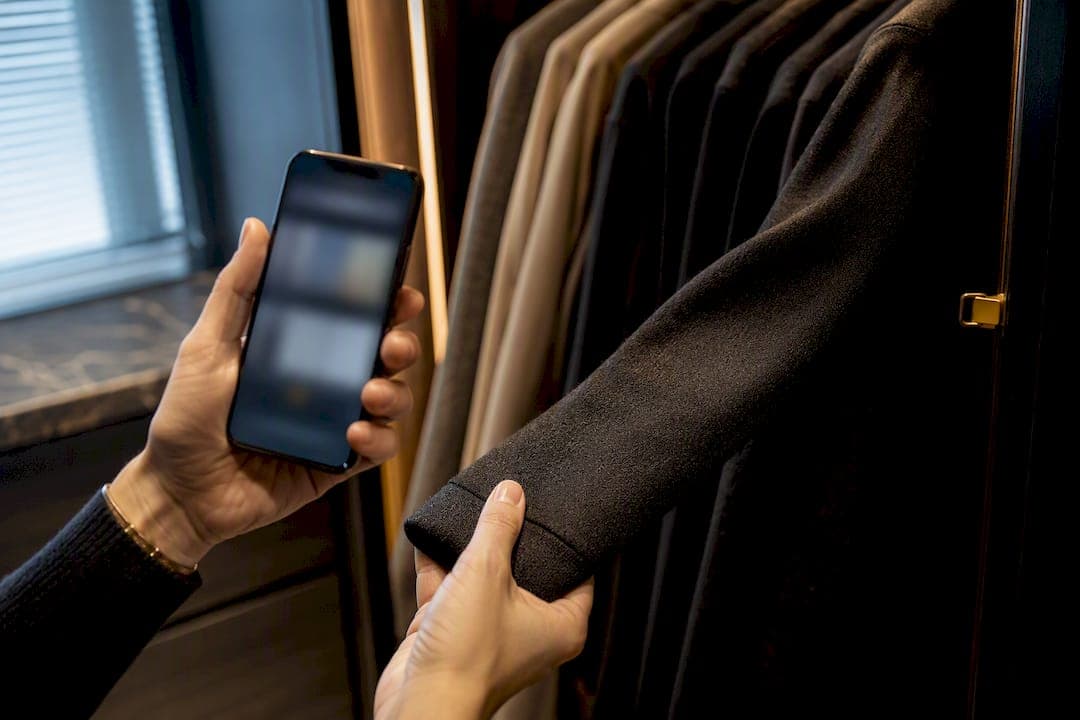
Digitize a reasonable starter set of pieces, tag each one by category, color, and season, connect your calendar and local weather, and let an AI app run for a couple of weeks. That short window is enough to see whether the suggestions actually save you time each morning and surface pieces you forgot you owned. Skip the deep sort. Scan 15 items today and let the app do the rest.
TL;DR:
- Digitizing a wardrobe with 15 to 20 key items allows an AI app to generate useful outfit suggestions within two weeks of regular use.
- Correcting mis-tags and updating wear-frequency data promptly significantly improve the AI's outfit accuracy and relevance.
- Focusing on category, color, and season tags yields more meaningful suggestions than excessive detail or micro-tags.
- Storing clothes properly, like folding heavy knits and hanging structured pieces, supports easier re-photography and better digital organization.
- Starting small and maintaining a five-minute weekly wardrobe upkeep helps ensure long-term organization and effective AI recommendations.
Table of Contents
- Why Digitize Your Wardrobe for AI Outfit Recommendations?
- How to Digitize and Organize Your Closet in an AI App
- How to Improve AI Outfit Suggestions Faster
- What Should You Know About Wardrobe App Privacy?
- Your short-term Digital Wardrobe Trial
- How to Decide What to Keep or Donate
- Physical Storage That Supports a Digitized Wardrobe
- How Do You Maintain an Organized Wardrobe Long Term?
- Can You Plan Outfits Without Any Digital Tools?
- What Mistakes Should You Avoid When Organizing a Wardrobe?
- What I've Learned Building Digital Wardrobes
- Try MyTenue to Digitize Your Closet and Get AI Outfits
- Sources
- FAQ
Why Digitize Your Wardrobe for AI Outfit Recommendations?
A wardrobe-first AI app builds outfits from clothes you already own, not from a retailer's catalog trying to sell you more. That distinction changes what the recommendations actually optimize for.
The AI works from a handful of inputs: photos of your clothes, the tags attached to them, the weather forecast, your calendar, whether something is clean or in the laundry hamper, and how often you actually wear each piece. Feed it those signals and it starts producing outfit combinations that fit the day ahead rather than generic style boards.
The payoff shows up fast:
- Less time spent staring at a closet before 8 a.m.
- Rediscovery of items pushed to the back of a drawer months ago
- Fewer impulse purchases, since the app surfaces existing combinations before suggesting anything new
Apps that scan existing photo libraries to build outfits, including Google Photos wardrobe features, show this kind of digitization has moved well past a niche fashion-tech experiment.
How to Digitize and Organize Your Closet in an AI App
Getting a usable digital closet up and running takes an afternoon, not a weekend. Here's the order that actually works.
- Pick a shooting spot. Choose a well-lit corner with a plain, contrasting background. A blank wall or a light-colored bedsheet works fine.
- Select your starter pieces. Pull 15 to 20 items you wear regularly. That number gives an app enough variety to generate real combinations without turning digitization into a chore, a pace consistent with what wardrobe app guides recommend for a fair trial.
- Photograph one item at a time. Lay each piece flat or drape it over a hanger loosely, since a tight hanger can distort the fit an AI is trying to read. Flat-lay tends to give cleaner results, per digitization guidance from wardrobe app help centers.
- Tag the essentials first. Category, color, season, occasion, and worn or clean status matter most. Skip fabric composition and micro-details unless the app asks directly.
- Connect your calendar and weather. This is what turns a static digital closet into a daily outfit generator instead of a photo album.
- Run the generator regularly over a couple of weeks. Accept, reject, or swap suggestions so the app learns your actual preferences.
- Add a few new items each week. Keep logging worn and washed status so the app never recommends something sitting in the hamper.
Pro Tip: Photograph shoes and outerwear last. They're the pieces people forget to digitize, and they're often what breaks an otherwise solid outfit suggestion.
How to Improve AI Outfit Suggestions Faster
Small corrections compound quickly. Fixing a mis-tagged item the moment you spot it, rather than letting it sit, is one of the highest-leverage five-minute tasks in the entire process.
A few levers make the biggest difference:
- Correct mistakes immediately. If the app tags a navy sweater as black, fix it right away. Wrong color and category tags quietly corrupt every outfit built around that item.
- Watch wear-frequency data. Items you own but never wear are exactly what the AI should be promoting, not burying.
- Test purchase suggestions before buying. Add a candidate item as a placeholder and check how many new outfit combinations it unlocks. If the number is low, the purchase probably is not worth it.
- Prioritize calendar and weather accuracy. A generator that doesn't know it's raining Thursday will recommend the wrong shoes every time.
Fixing high-impact tags like category, color, and season delivers more improvement per minute than exhaustive tagging of every fabric detail, according to wardrobe digitization best practices. Treat outfit generation as a matching problem: the app is satisfying constraints around weather, your schedule, laundry status, and color compatibility all at once, not just guessing at style.
What Should You Know About Wardrobe App Privacy?
Uploading photos of your closet is a lower-stakes privacy decision than uploading medical records, but it still deserves a quick check before you scan everything you own.
- Read the retention and third-party sharing sections of the privacy policy before a bulk upload, not after.
- Start with non-sensitive, everyday items rather than anything you'd rather keep off a server.
- Check app permissions and opt out of analytics or ad-sharing where the settings allow it.
- Confirm how to delete individual images, export your data, or clear cloud backups if you decide to stop using the app.
None of this should stop you from digitizing. It just means five minutes with the settings menu before the first photo upload.
Your short-term Digital Wardrobe Trial
Judging whether an AI wardrobe app is worth keeping does not require months of use. Two weeks with a defined checklist gives a clear answer, an approach consistent with recommended trial periods for AI personal stylist apps.
- Scan a modest number of items on day one.
- Tag category, color, and season for each piece.
- Connect your calendar and local weather.
- Run the outfit generator regularly and log what you actually wear.
Track these four numbers across the two weeks:
| Metric | What to watch for |
|---|---|
| Daily dressing time | Should drop noticeably by week two |
| Outfits actually worn | Should include combinations you hadn't tried before |
| Rediscovered items | Pieces you forgot you owned, now back in rotation |
| Purchase recommendations | Should be few, and each should unlock several new outfits |
If dressing time drops and outfit variety rises, keep going. If neither moves, the tagging probably needs another pass before the app can help.
How to Decide What to Keep or Donate
Digitizing works better with a leaner starting wardrobe, and deciding what stays does not require a rigid system. A few practical filters cover most of the decision.
Start with the one-year rule: if you have not worn something in a full cycle of seasons, it is a strong donation candidate. Pair that with a fit check, since clothes that no longer fit your current body take up hanger space without adding outfit options. Damage matters too. Anything with a stain, tear, or worn-out elastic that you have already decided not to repair should go, not linger.
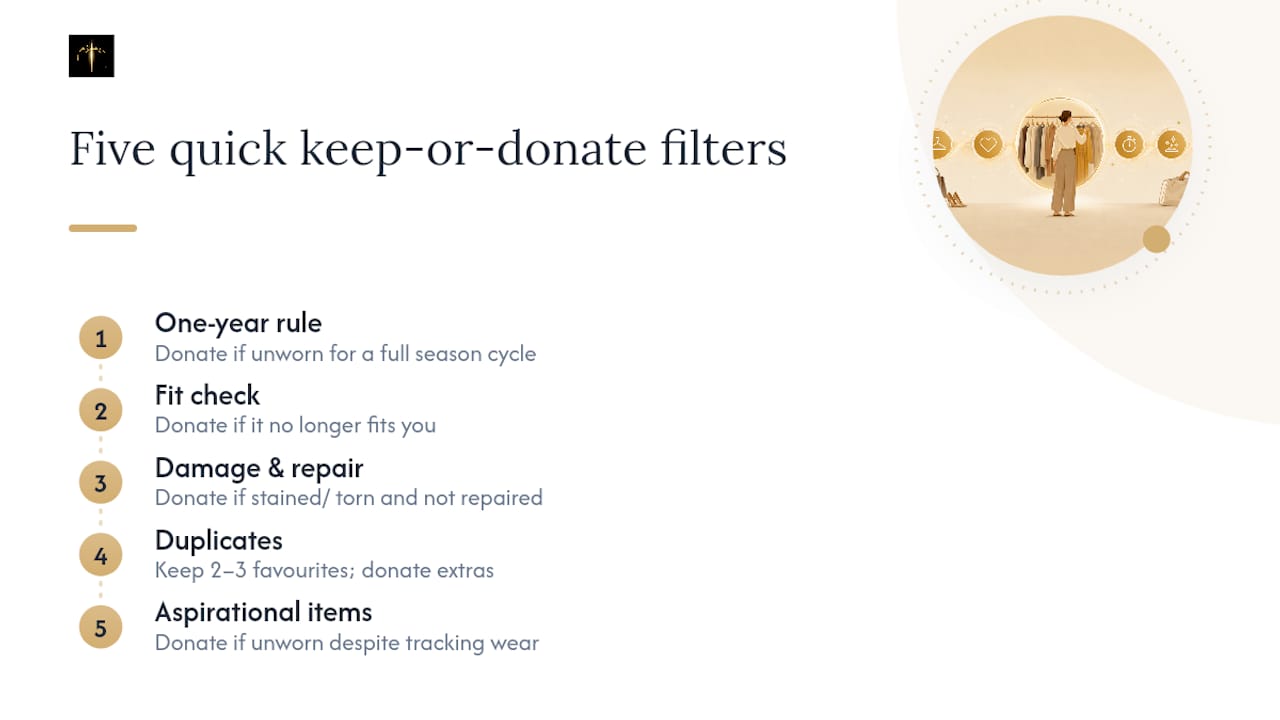
Duplicates are the easy win. Five nearly identical white t-shirts don't need five separate digital entries. Keep your favorite two or three and donate the rest before you even open the camera app.
Finally, apply an honesty test to aspirational purchases. That formal dress bought for an event that never happened, or the jeans you're keeping "for when I lose weight," rarely become outfit staples. If a piece has sat unworn through an entire trial period once you're tracking wear-frequency in the app, that data point makes the decision easier than sentiment alone.
Physical Storage That Supports a Digitized Wardrobe
A digital closet still lives inside a physical one, and how you store clothes affects both their condition and how easy they are to re-photograph as your wardrobe changes.
Fold heavy knits and sweaters rather than hanging them, since hangers stretch shoulders over time. Hang structured items instead, things like blazers, button-downs, and dresses, which hold their shape better on a hanger than folded in a drawer. Drawer dividers earn their keep with smaller categories: socks, underwear, and folded t-shirts stay visible instead of turning into a pile you dig through every morning.
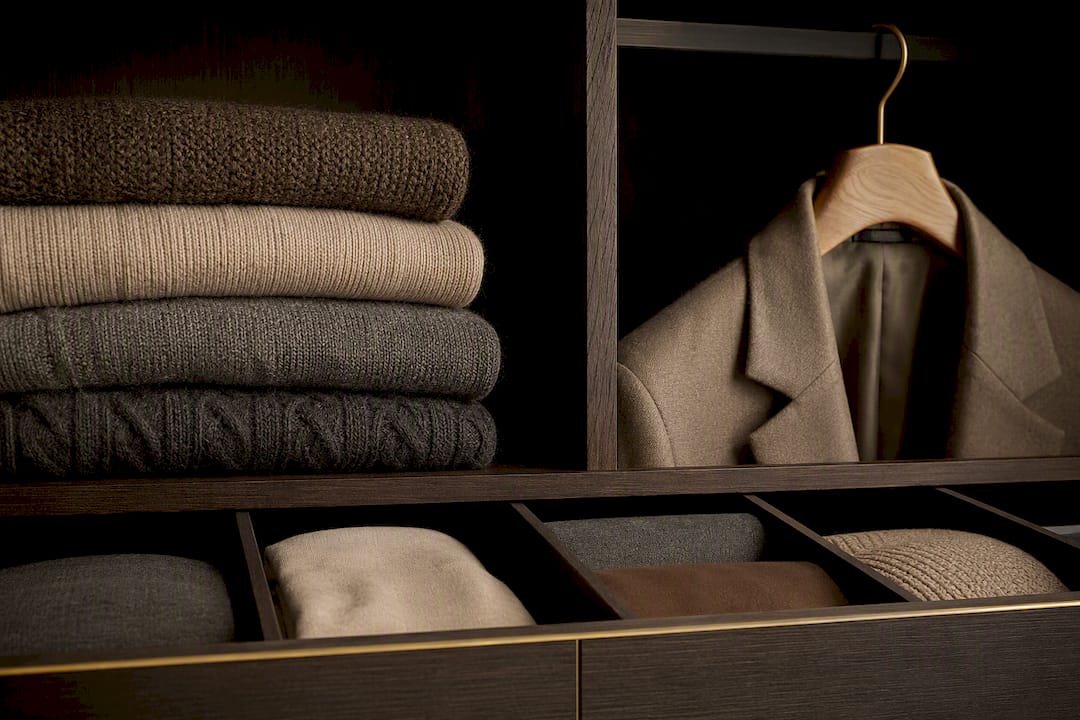
Seasonal rotation matters for storage decisions too. Off-season items stored in bins or vacuum bags free up daily closet space, and garment-care habits like storing certain pieces inside out to protect prints can extend their life, a detail covered in seasonal hoodie storage guidance from apparel specialists. Whatever storage method you choose, keep it consistent enough that re-photographing an item after a seasonal swap takes seconds, not a full reorganization.
How Do You Maintain an Organized Wardrobe Long Term?
Organization decays fast without a small weekly habit attached to it. The wardrobes that stay organized six months in are the ones where upkeep takes minutes, not hours.
Set a five-minute weekly check: log any new purchases, mark items for donation the moment you decide they're not earning their space, and update worn or washed status so recommendations stay accurate. Seasonal transitions are the other pressure point. When you swap out cold-weather layers for warm-weather pieces, re-photograph anything that changed and adjust season tags rather than letting outdated data linger in the app.
Treat closet maintenance the same way you'd treat any small recurring task: attach it to something you already do, like laundry day, so it doesn't require extra willpower to remember.
Can You Plan Outfits Without Any Digital Tools?
Yes, and it's worth understanding the manual version even if you end up using an app, since the underlying logic is the same either way.
Lay out a week's worth of outfits on a Sunday, matching pieces to your calendar the same way an app would, just with your eyes instead of tagged data. A paper capsule wardrobe list, grouped by category and color, mimics the tagging structure digital tools use, minus the automation. Some people photograph outfits on their phone in a plain camera roll folder, essentially building a manual version of the digitization workflow without any AI layer on top.
The limitation is scale. Manual planning works fine for a small, curated closet, but it gets slow fast once you're managing dozens of items across multiple seasons, which is exactly the gap AI-driven tools are built to close.
What Mistakes Should You Avoid When Organizing a Wardrobe?
The biggest mistake is trying to digitize an entire closet in one sitting. That's what causes people to abandon the process by day three, tagging fatigue sets in long before the app has enough data to be useful.
Vague tagging is the second common trap. Marking everything "casual" or skipping color tags entirely starves the AI of the signals it needs to generate anything meaningful. Ignoring laundry and wear status is another one. An app that keeps recommending a shirt sitting in the hamper loses trust fast, even if the underlying logic is sound.
Last, don't confuse a single bad suggestion with a broken app. Early recommendations are rough by design. Correct the tag, move on, and let the pattern recognition catch up over the trial period.
What I've Learned Building Digital Wardrobes
Start small. That advice sounds obvious until you watch someone try to photograph 200 items in one weekend and quit by item 40. Give the app two weeks before judging it, and fix tags the moment you spot an error rather than batching corrections for later.
The most surprising pattern is how often people rediscover a jacket or a pair of shoes they'd mentally written off. One recurring tag issue is color, phones read fabric texture and lighting differently than the human eye, so a sweater tagged "gray" might actually need correcting to "navy" before outfit logic works right. For readers building toward a smaller, more deliberate closet, our capsule wardrobe essentials guide goes deeper into which pieces earn a permanent spot.
— Ahmed
Try MyTenue to Digitize Your Closet and Get AI Outfits
This workflow can be supported by AI wardrobe apps that digitize your wardrobe from photos, generate outfit suggestions using weather and calendar information, and include virtual try-on features based on personal avatars, allowing preview before committing to a combination. Such apps can automatically check color, fabric, and occasion compatibility, and some offer bilingual interfaces covering languages such as French and English.
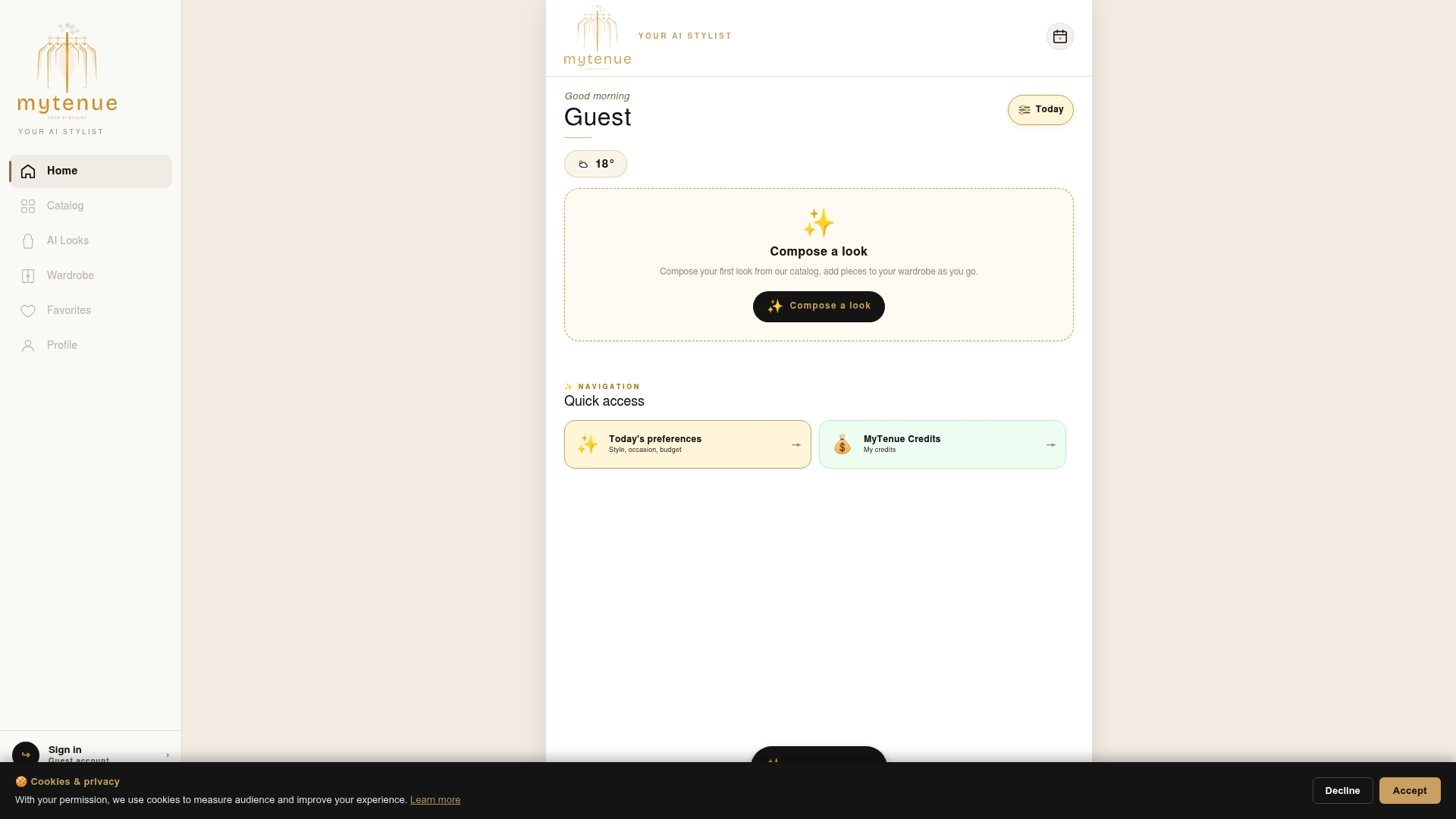
Individuals looking to optimize their wardrobe often see a faster payoff when using apps designed to surface combinations from existing closet items before suggesting new purchases. Start with the same 15 to 20 item scan covered earlier in this guide, connect your calendar, and give it two weeks. For a practical next step on saving morning time specifically, our guide to outfit planning for busy mornings pairs well with a first trial run. Ready to see your own wardrobe generate outfits? Start with MyTenue and scan your first batch today.
Sources
- AI Personal Stylist Apps in 2026: Your Closet, Curated — Skycrumbs Blog
- How to Digitize Your Wardrobe - Help Center
- Create your digital closet with Google Photos wardrobe - Google Photos Help
FAQ
How Many Items Should I Digitize First?
Start with 15 to 20 pieces you wear regularly. That's enough variety for the app to generate real outfit combinations without turning the first session into a chore.
How Long Before AI Outfit Suggestions Get Good?
Give it a couple of weeks. Most AI outfit apps need that window to learn your preferences from wear data and corrected tags.
What Tags Matter Most When Organizing a Wardrobe Digitally?
Category, color, season, and worn or clean status matter most. Skip deep fabric detail unless the app specifically asks for it.
Is It Safe to Upload Photos of My Clothes?
Check the app's retention and third-party sharing policy first, and start with non-sensitive items while you get comfortable with the settings.
Can MyTenue Replace Manual Outfit Planning?
Yes, for most daily use. MyTenue automates the weather, calendar, and laundry-status checks that manual planning requires you to track by hand.