
Interactive outfit planning is the practice of digitally coordinating and visualizing outfits using apps and AI-powered tools to create stylish, personalized looks efficiently. The industry term for this process is "digital wardrobe management," and it covers everything from photographing your clothes to receiving AI-generated outfit suggestions tailored to your occasion, weather, and personal color palette. These tools transform fashion styling from manual guessing into a repeatable, visual workflow. The result is faster decisions, less stress, and a wardrobe you actually use.
What is interactive outfit planning and how does it work?
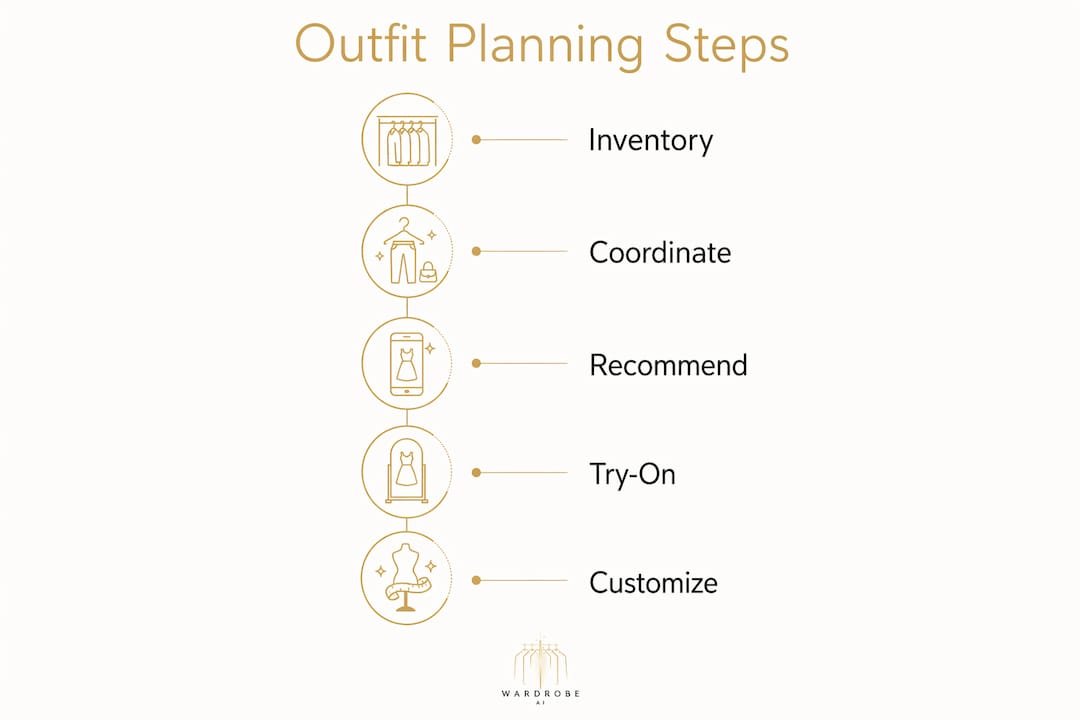
Interactive outfit planning is a digital process with three core stages: inventory, coordination, and recommendation. You start by building a virtual closet, then the platform uses AI to suggest combinations, and you refine those suggestions based on your schedule, mood, or event. Each stage builds on the last, making the whole system more accurate over time.
Building your digital wardrobe inventory
The first step is digitizing your clothes. You photograph each item against a plain background, upload the images to your chosen platform, and tag them by category, color, and occasion. Background removal automation in advanced apps reduces manual editing to under one minute per item. The full initial setup takes 30–60 minutes depending on wardrobe size. That one-time investment pays off every morning you open the app instead of staring at your closet.
How AI generates outfit suggestions
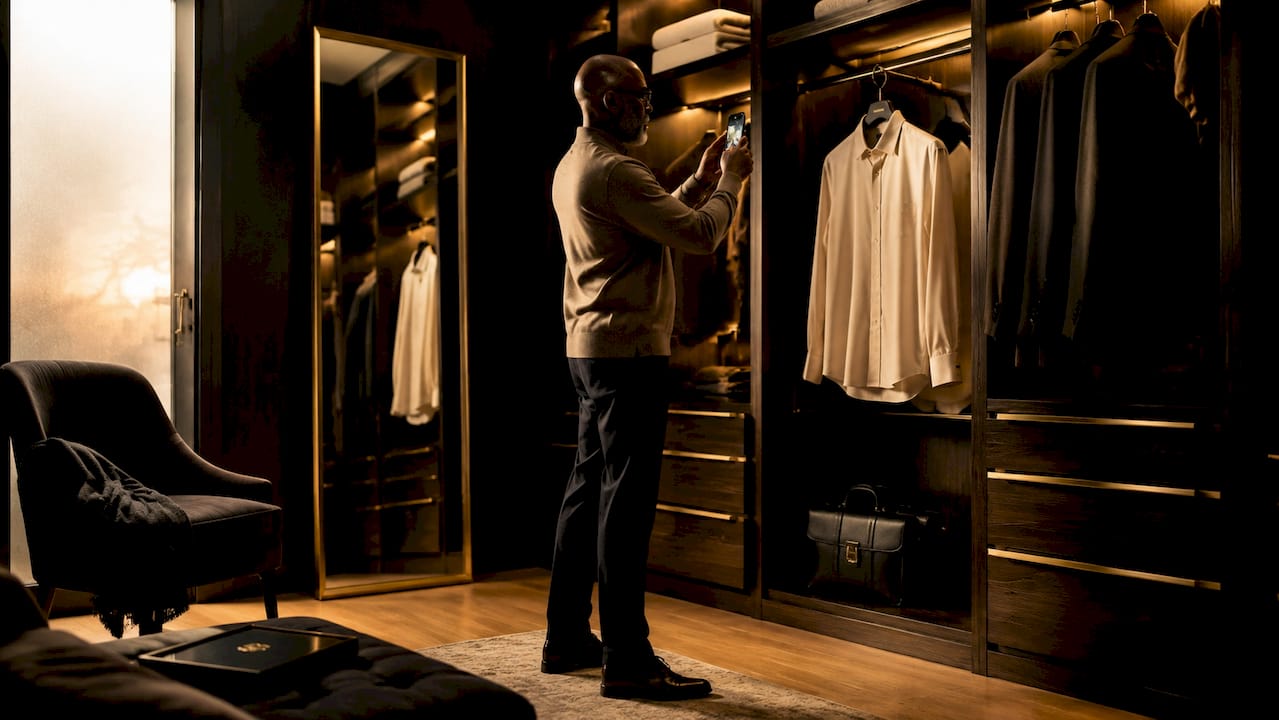
Once your wardrobe is uploaded, the AI engine gets to work. It cross-references your tagged items against factors like weather, occasion, and personal style to recommend combinations you might never have tried on your own. The system learns from your choices over time, so recommendations get sharper the more you use it. This is what separates interactive wardrobe planning from a simple photo album of your clothes.
Virtual try-on and customization
Many fashion planning platforms include avatar-based or photo-based virtual try-on. You see the outfit on a digital representation of your body before committing to it. You can swap items, adjust colors, and save multiple versions of the same look for different occasions. This visual layer is what makes the process genuinely interactive rather than just organizational.
Pro Tip: Take your wardrobe photos in natural light against a white or neutral wall. Clean, consistent images make AI tagging faster and outfit previews far more accurate.
What are the benefits compared to traditional outfit planning?
Traditional outfit planning relies on memory, physical trial and error, and a lot of wasted time. Interactive outfit planning replaces all three with a visual, data-backed process. The shift is significant for anyone who has ever stood in front of a full closet and felt like they had nothing to wear.
- Faster decisions. Outfit planners reduce decision fatigue by letting you visually compare multiple combinations in seconds rather than physically trying each one.
- Better use of what you own. A properly curated digital wardrobe surfaces forgotten items, identifies wardrobe gaps, and supports smarter shopping decisions.
- More outfit variety. AI recommendations combine items you would not naturally pair, expanding your style range without buying anything new.
- Sustainable fashion habits. Seeing your full wardrobe at once encourages mixing and matching existing pieces before reaching for new purchases.
- Calendar and event integration. You can schedule outfits ahead for trips, work weeks, or special events, so morning decisions are already made.
The confidence gain is real, too. When you know an outfit works visually before you put it on, you walk out the door with more certainty. That is a practical benefit that traditional methods simply cannot match.
What features do outfit planning apps typically include?
Personal styling tools range from basic digital closets to full AI styling platforms. Understanding the feature categories helps you choose the right tool for your needs and get the most out of it from day one.
| Feature category | What it does | Why it matters |
|---|---|---|
| Digital closet management | Stores and tags all clothing items | Creates the foundation for all other features |
| AI outfit generator | Suggests combinations from your wardrobe | Speeds up daily decisions and expands style options |
| Virtual try-on | Shows outfits on an avatar or your photo | Lets you preview looks without physically changing |
| Weather-aware styling | Adjusts recommendations to current conditions | Keeps outfits practical, not just stylish |
| Outfit scheduling | Plans looks for specific dates or events | Eliminates morning decision stress entirely |
| Community and sharing | Lets you browse and share outfit ideas | Provides external inspiration and style discovery |
AI recommendations, virtual try-on, and weather-aware styling are now standard in most capable platforms. These features work together to deliver personalized outfit coordination that adapts to your life, not just your closet. Community features add a social layer, letting you explore public closets and share favorite looks for additional inspiration.
Pro Tip: Use the outfit scheduling feature the night before a busy week. Blocking out five outfits on Sunday evening removes a small but real source of daily stress.
How to get started with interactive outfit planning
Getting started is straightforward. The biggest barrier is the initial setup, and breaking it into steps makes it manageable.
- Collect and photograph your wardrobe. Start with the clothes you wear most often. You do not need to photograph every item at once. A core wardrobe of 30–50 pieces gives the AI enough to work with from day one.
- Choose the right platform for your needs. Entry-level apps focus on closet organization and basic outfit building. More advanced platforms add AI styling, virtual try-on, and calendar integration. Match the feature set to how you actually dress and plan.
- Tag items thoroughly during setup. Add color, category, occasion, and season tags to each item. The more context you give the AI, the more relevant its suggestions will be. Thorough tagging is the single biggest factor in recommendation quality.
- Use AI suggestions as a starting point, not a final answer. Accept or reject recommendations and note why. The system learns from your feedback. After two to three weeks of regular use, suggestions align closely with your actual preferences.
- Update your digital wardrobe regularly. Add new purchases immediately and remove items you no longer wear. A current, accurate digital closet produces far better results than one that reflects last year's wardrobe. AI-curated looks only work as well as the data behind them.
The step-by-step approach to AI outfit curation matters more than the specific platform you choose. Consistency in updating and engaging with the tool is what produces lasting style improvement.
Key Takeaways
Interactive outfit planning works best when you combine a well-tagged digital wardrobe with consistent AI feedback to build a styling system that improves over time.
| Point | Details |
|---|---|
| Definition is clear | Interactive outfit planning is digital wardrobe management using AI tools to coordinate and visualize outfits. |
| Setup is a one-time investment | Initial wardrobe digitizing takes 30–60 minutes and pays off through faster daily decisions. |
| AI learns from you | The more you accept or reject suggestions, the more accurate recommendations become over time. |
| Sustainability is a real benefit | Seeing your full wardrobe digitally reduces impulse purchases and improves use of existing pieces. |
| Consistency drives results | Updating your digital closet regularly and using scheduling features removes daily decision stress entirely. |
What I have learned from using interactive outfit planning
I came to interactive outfit planning as a skeptic. My assumption was that photographing clothes and tagging them would take more time than it saved. I was wrong, and the reason surprised me.
The real value is not the AI suggestions themselves. It is the act of seeing your wardrobe as a complete, visual catalog. The first time I uploaded my clothes, I found three shirts I had completely forgotten about and two pairs of pants that worked with almost nothing else I owned. That audit alone changed how I shop. I stopped buying items I liked in isolation and started asking whether they connected to what I already had.
The hyper-personalized styling that comes from consistent AI feedback is genuinely different from generic style advice. After a few weeks, the recommendations stopped feeling random and started feeling like they came from someone who knew my wardrobe. That shift in confidence carries into how you present yourself every day.
My advice: do not try to photograph your entire wardrobe in one session. Start with your 20 most-worn pieces. Get comfortable with the platform, see a few good suggestions, and build from there. The people who abandon these tools almost always tried to do everything at once and burned out on setup before they reached the payoff.
— Ahmed
How Mytenue fits into your outfit planning practice
Mytenue is built specifically for people who want personalized outfit coordination without the complexity of managing it manually.
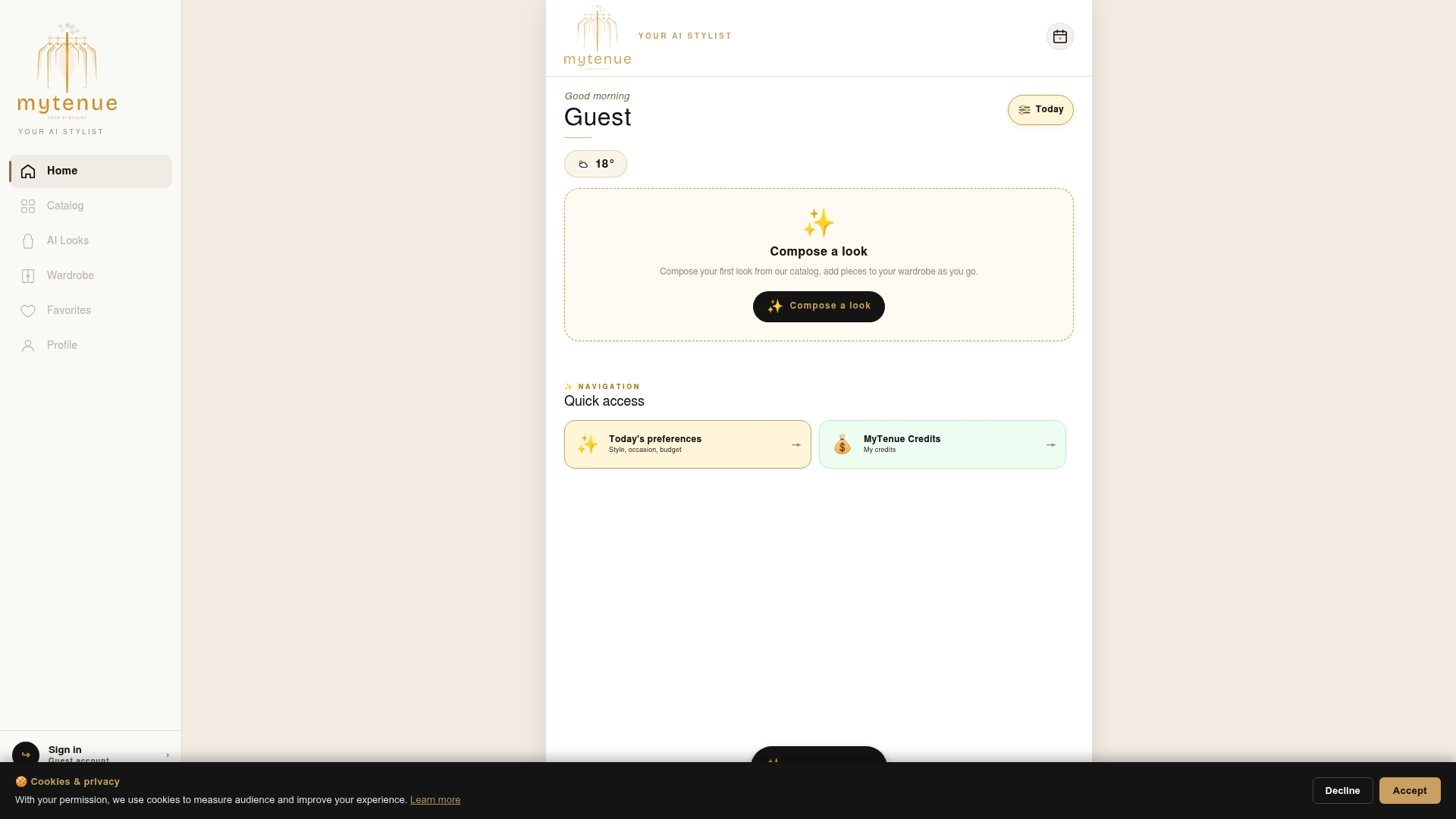
Mytenue uses AI to generate complete outfit recommendations based on your style preferences, occasion, and budget, all in one place. You get tailored outfit suggestions that account for what you already own and what would complement it. The platform is direct and easy to use, so you spend less time on setup and more time wearing outfits you actually feel good in. Whether you are building a digital wardrobe from scratch or refining an existing one, Mytenue gives you a personal AI stylist ready to help every time you open it.
FAQ
What is interactive outfit planning in simple terms?
Interactive outfit planning is the process of using digital tools and AI to organize your wardrobe, visualize outfit combinations, and receive personalized styling suggestions. It replaces physical trial and error with a fast, visual workflow.
How long does it take to set up a digital wardrobe?
Initial setup typically takes 30–60 minutes depending on wardrobe size. Apps with background removal automation reduce the time needed per item to under one minute.
Do outfit planning apps work for all personal styles?
Yes. AI-powered personal styling tools adapt to your tagged preferences, color palette, and occasion needs, so recommendations reflect your individual style rather than a generic template.
Can interactive wardrobe planning help with sustainable fashion?
A digital wardrobe surfaces forgotten items and shows how existing pieces connect, which reduces unnecessary purchases and improves how much of your wardrobe you actually wear.
What features should I look for in a virtual closet organizer?
Look for AI outfit generation, weather-aware recommendations, outfit scheduling, and virtual try-on. These four features cover the core needs of daily outfit coordination and event planning.