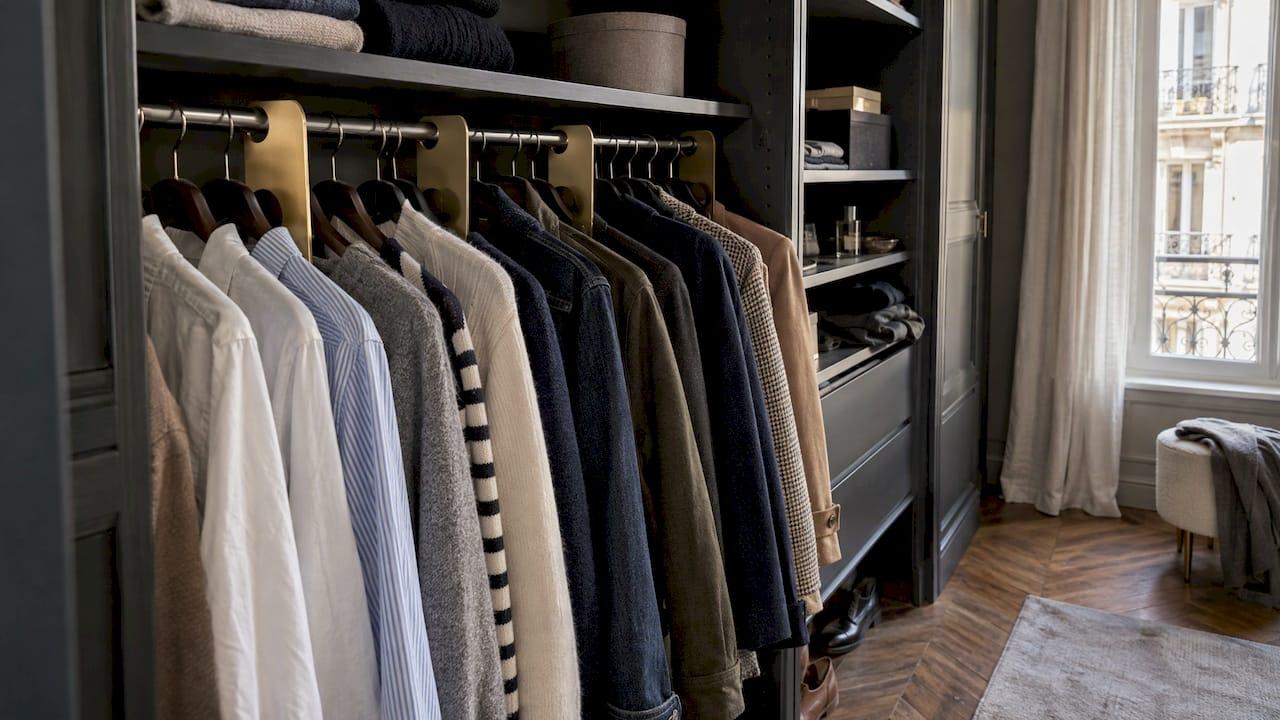
A closet tagging system is a set of categories, each with a label, so every garment has a home and you can find it in seconds. The best version works twice. Tags on the rack show you where things are. The same categories in your phone show you what goes together. Here is how to build both, step by step.
Our take: physical tags are a great start. Add a digital wardrobe in MyTenue and the tags stop being labels. They become the base for outfit ideas, virtual try-on and a weekly plan.
TL;DR
- Sort first. Tag only what you keep.
- Pick 6 to 10 broad categories, then add one second filter: color or occasion.
- Label the rod or shelf, not every single hanger, and leave 10 to 20% of space free.
- Mirror the same categories in a digital wardrobe, so you can build outfits from your own pieces.
- Reset for 15 minutes a week and edit once per season.
Table of Contents
- What a closet tagging system really is
- Step 1: Sort before you tag
- Step 2: Choose your categories
- Step 3: Label what you keep
- Step 4: Arrange so you can see everything
- Step 5: Mirror your tags in a digital wardrobe
- Step 6: Keep it going
- Your first-week plan
- Get the tags working for you
- Our view: tags should lead to outfits
- FAQ
- Sources
What a closet tagging system really is
Two things get called "tags" in a closet. The first is the small marker you clip on a hanger or slide onto a rod: size, type, color. The second is the logic behind it: the categories you chose.
The logic matters more. A label is only as good as the category it names. Wrong categories mean you keep hunting, even with pretty labels.
A quick vocabulary note. In American English, the small card attached to a new garment by a string is a hang tag. That is a retail label, not a closet tool. Reusable closet markers go by other names: hanger dividers, size markers, garment labels. The Strategist describes organizers that slip over a rod or onto hangers, with prewritten labels such as long-sleeve, jeans and dress shirts, plus blank ones you write yourself.
Good to know: the system you build is the same, whatever the marker looks like.

Step 1: Sort before you tag
Tagging a closet full of clothes you never wear just organizes clutter. So start with a sort.
Real Simple's 30-minute method begins by emptying the closet and sorting garments into piles by type. Then you decide what to keep and put the keepers back by category.
How to decide what stays:
- Do you wear it? Think of the last season.
- Does it fit today, not someday?
- Does it go with at least two other pieces you own?
- Is it in good shape?
That third question is where most closets fail. A piece with no partner stays on the hanger. Hold it up against three other items. If nothing works, it goes in the "let go" pile. For a method on parting with things, this downsizing checklist for sorting belongings walks through a first sort that also suits a wardrobe.
Two piles come out of it: keep and let go. Only the keep pile gets tags.
Step 2: Choose your categories
This is the heart of the system. Keep it simple. Too many categories and you will stop using them.
Start with garment type
All the guides agree on the first layer. Real Simple recommends keeping skirts, pants, blouses and dresses distinct. The Strategist's organizers advise grouping like with like: pants with pants, tops with tops. The French guide Le Petit Placard suggests broad groups for tops, bottoms, dresses, knitwear, jackets and coats.
A starter list that fits most closets:
- Short-sleeve tops
- Long-sleeve tops and shirts
- Knitwear
- Pants and jeans
- Skirts and dresses
- Jackets and coats
- Accessories
Seven is plenty. You can split later if one group gets crowded.
Add one second filter
A second filter makes the closet useful for outfits, not just storage. You have two good options.
- Color. It is quick to scan. Real Simple suggests refining the arrangement by color once the categories are in place.
- Occasion. Real Simple notes categories can reflect use, such as work, casual or formal. Le Petit Placard goes further, proposing zones that follow your real routines: office, weekend, work from home, special occasions.
Choose the one that matches how you dress. A young professional with a strict office code will love occasion zones. A student with a small closet and mixed pieces will get more from color.
One rule for both: do not mix filters on the same rod. Pick one and stay with it.
Step 3: Label what you keep
Now make the tags.
Where to put them. Label the rod section, the shelf edge or the drawer front. One label per group beats one label per hanger. It is faster to set up and easier to maintain.
What to write. Use the same words everywhere. "Long-sleeve" on the rod and "long sleeves" in your notes will confuse you in a month. Write it once, then reuse it.
Tag types. Choose what suits your space:
- Slide-on hanger or rod markers, ready-made or blank
- Color dividers with a small key that says what each shade means
- Label holders on bins and bags for out-of-season items and accessories
The Strategist notes that color dividers can be marked to show what each shade represents. That works well if you tag by occasion: blue for office, green for weekend.
A low-cost route
You do not need to spend much. PODS points out that DIY labels cost virtually nothing and can say whatever helps you identify where things belong. Sliding tags on the hangers you already own also save you from buying hangers in several colors. For stored items, the label holder on IKEA France's STUK storage bag helps you find what is inside; the page listed it at €6.99.
Step 4: Arrange so you can see everything
Tags only help if the layout supports them. A few rules from the pros:
- Hanging clothes first. Real Simple's 2025 reset advice is to organize hanging clothes, then folded clothes, then shoes.
- Short sleeves in front. The Strategist suggests hanging by sleeve length, shorter sleeves closer to the front, so items are easier to see.
- Fold the bulky stuff. A professional organizer quoted by Real Simple says bulky sweaters are better folded to avoid stretching.
- Store tees vertically. Le Petit Placard recommends vertical storage by color for folded T-shirts and light tops, and compartments for underwear and socks.
- Leave air. The same guide says to use 80 to 90% of capacity at most, so you can take a piece out without disturbing its neighbors.
- Most-worn within reach. Special-occasion pieces can live farther away.
Want a trick for forgotten clothes? The Strategist's organizers suggest a named section, such as "Wear This Next", for items that are easy to overlook.
Step 5: Mirror your tags in a digital wardrobe
Here is where a tagging system goes from tidy to smart.
Physical tags answer one question: where is it? They do not answer the question you ask every morning: what do I wear with it? That one needs outfits, and outfits need to see your whole wardrobe at once.
That is what the MyTenue app is built for. You digitize your wardrobe, organize it, and our AI stylist generates outfit recommendations from your own pieces. It looks at color, fabric, style and occasion compatibility, and it adapts suggestions to the weather. You can try an outfit on your personal avatar with virtual try-on, get editorial flat-lay images of the look, and plan the week in a calendar.
Your closet categories carry straight over. If you tagged by occasion on the rod, you already know which pieces belong in the office group. If you tagged by color, you already know your palette.
Practical tips for the digital pass:
- Do it right after the sort, when the keepers are laid out and easy to reach.
- Start with 10 to 15 items. Our guide to scanning 10 to 15 items in one to two hours shows a pace that works.
- Follow the order in the closet inventory workflow, from empty rack to digital list.
- For the full routine, see how to digitize your wardrobe.
- If you tagged by color, closet search by color shows how to find and style faster.
The payoff is visibility. Real Simple's organizer guidance says that labels and visible storage help people locate items and put them back. A digital list does the same on a screen, and it goes with you to the store.
Who gains the most
- Young professionals. Pick tomorrow's outfit in under a minute, with the weather already considered.
- Busy parents. Plan a few looks on Sunday. Mornings get calmer.
- Students on a budget. Get more outfits from what you own before you buy anything.
- Style fans. Test combinations on your avatar and see the flat-lay.
Want to see where your wardrobe is thin? Run the wardrobe gap analysis: test two or three outfits before you buy.
Step 6: Keep it going
A system that is hard to maintain gets abandoned. Keep upkeep tiny.
Every week: 15 minutes. Real Simple's 2025 weekly reset article reports organizers' advice: put away laundry, rehang garments and reassess the setup. In the app, add anything new and plan the coming days.
Every season: one edit. Real Simple says to edit at the end of each season and rotate out-of-season clothing into separate storage. Label the bins that hold bags, scarves and belts.
Every time you buy: one question. Which tag does this belong to, and what will it pair with? If you cannot answer, wait.

One more point from the same reset article: an organizer says a system that never worked cannot be maintained. So fix the categories first. If a group is always a mess, split it or merge it. That is a normal part of the process.
Your first-week plan
| Day | Task | Time |
|---|---|---|
| 1 | Empty the closet, sort piles, decide keep or let go | 60 to 90 min |
| 2 | Choose categories and one second filter | 20 min |
| 3 | Make or place labels, arrange the rod and shelves | 45 min |
| 4 | Digitize the first 10 to 15 pieces | 60 min |
| 5 | Generate outfits, try one on your avatar | 20 min |
| 7 | First 15-minute reset | 15 min |
Times are our estimates, and they depend on the size of your closet.
Get the tags working for you
MyTenue is a freemium app for iOS and Android, with a mobile and web version and a bilingual French and English interface. The Free plan lets you start without a published price. Paid plans are Basic at €5.99 per month, Premium at €9.99 per month and Gold at €16.99 per month. The AI stylist builds outfits from the wardrobe you have already sorted.
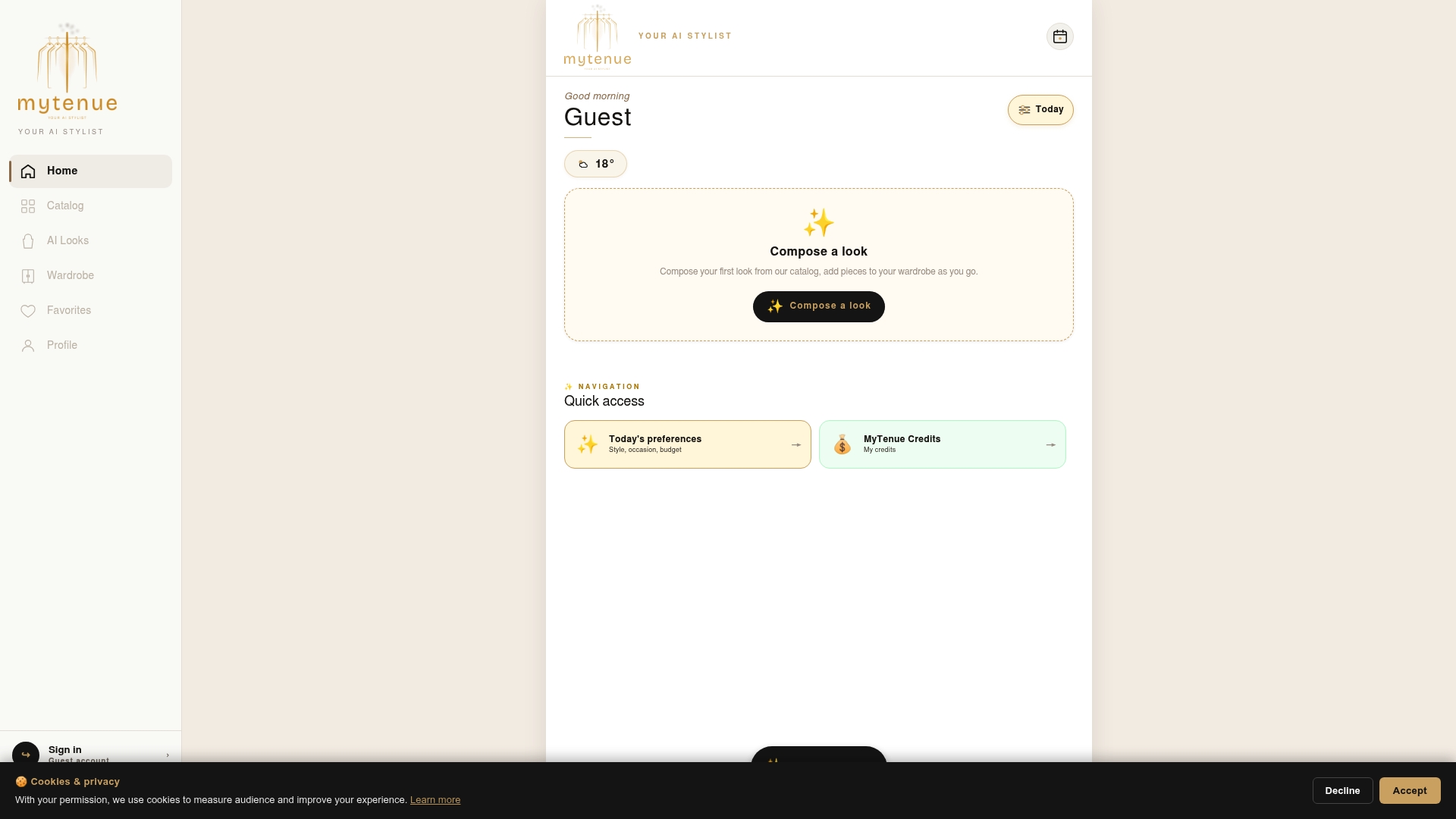
Grab the app and digitize your first ten pieces: see the plans and download MyTenue. Prefer to plan a full week? Our workweek outfit planning checklist shows how.
Our view: tags should lead to outfits
We love a tidy rack. But we have a simple belief: organizing is not the goal. Wearing your clothes is.
A tagging system should answer two questions. Where is it? And what do I wear it with? Hanger labels solve the first one very well. The second needs a full picture of your wardrobe, your weather, your day.
That is why we built MyTenue around your own pieces. Digitize them, let the AI stylist propose looks, check them on your avatar, and plan the week. Your categories become a living wardrobe, not a one-time cleanup.
It also fits how we think about fashion. Wearing more of what you own is the most sustainable choice, and mixing existing pieces with a few new ones keeps a style fresh. Our guides on sustainable outfit planning and getting more outfits from the closet you already have go deeper.
Start small. Ten pieces. One week. You will feel the difference.
Ahmed
FAQ
What are the little tags that go on closet hangers called?
They are usually called hanger markers, size dividers or garment labels. The small card attached to a new item is a hang tag, which is a different thing. For a closet, choose slide-on markers or write your own labels.
In what order should I organize my closet?
Empty it, sort by type, decide what to keep, then return the keepers by category. Real Simple's method refines by color at the end. After that, hang, fold and shoe storage come in that order, and a digital list completes the system.
What is the cheapest way to tag a closet?
Handwritten labels and sliding tags on your current hangers cost almost nothing, as PODS notes. Then start with the free version of the MyTenue app to digitize your pieces and build outfits.
How many categories should I use?
Six to ten broad groups are enough for most people: tops, knitwear, pants, dresses and skirts, outerwear, accessories. Add one second filter, color or occasion. Split a group only when it gets crowded.
How often should I update my tags?
Do a 15-minute reset each week and a full edit at the end of each season. Add new purchases to your digital wardrobe the day you bring them home, so the list stays true.
Sources
- Definition of 'hang tag', Collins Dictionary
- 31 Best Closet Organizer Ideas for a Cleaner Closet, The Strategist
- How to Organize Your Closet in 30 Minutes Flat, Real Simple
- Want a Tidier Closet? Try This 15-Minute Reset, Real Simple
- 8 Closet Organization Mistakes That Annoy Pro Organizers, Real Simple
- How to Arrange Your Closet Like a Pro Organizer, Real Simple
- Comment ranger son dressing efficacement, Le Petit Placard
- 50 Foolproof Closet Organization Ideas, PODS
- STUK sac de rangement, IKEA France