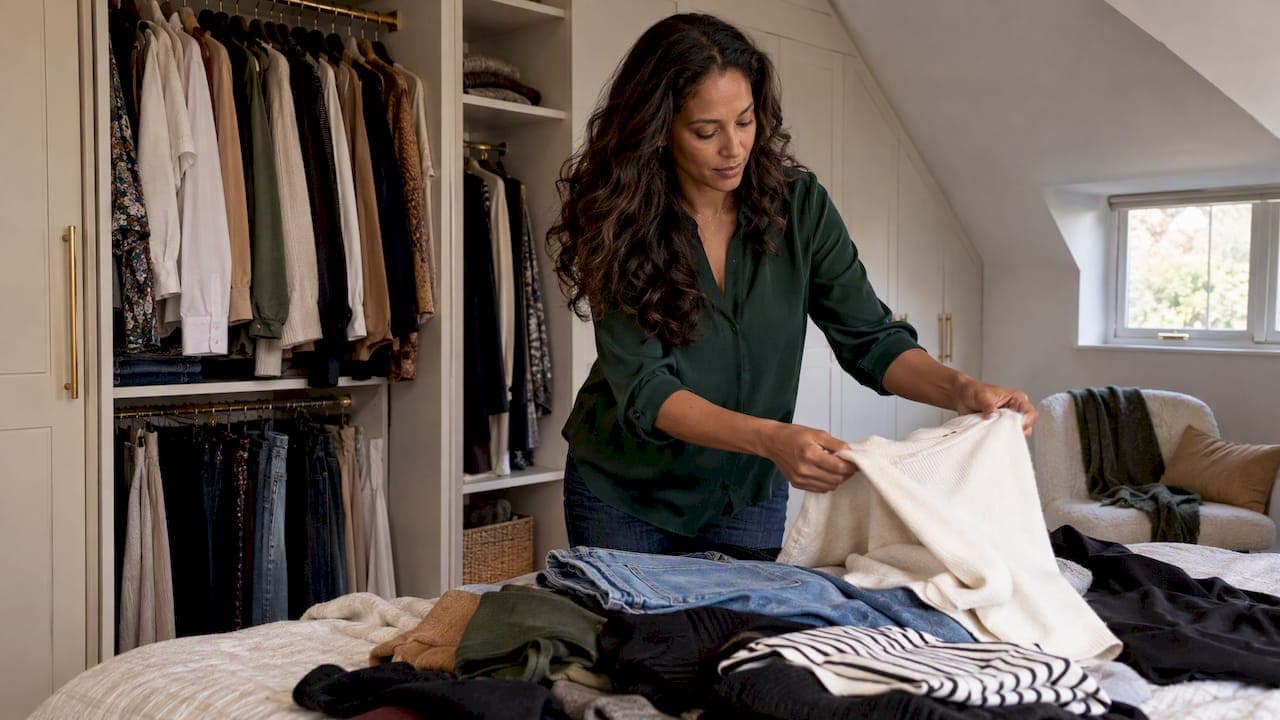
A closet inventory workflow is a repeatable sequence: empty the closet, assess each piece, group by category, record what stays, then review on a schedule. Do it once, properly, and you get a clear list of what you own. That list ends duplicate purchases and makes morning outfits faster. Below: the seven steps, a checklist of what to record, a comparison of methods (paper, spreadsheet, photos, app) and a realistic review rhythm.
TL;DR
- Work in this order: empty, sort, assess, categorize, record, plan, review. Skipping the order is what makes inventories stall.
- Keep only what fits today, suits your current life, is in good condition and has been worn in the past 12 months.
- Record a few fields per item (category, color, season, photo). More fields means more abandoned lists.
- Pick the method you will actually maintain: notebook, spreadsheet, photos or an app.
- Review lightly each season and add new pieces the day they arrive.
Table of Contents
- Why an inventory beats a good tidy-up
- The 7-step closet inventory workflow
- Closet inventory checklist: what to record
- Which method fits you: notebook, spreadsheet, photos or app
- Our perspective: an inventory is only worth it if it makes mornings easier
- Tag clothes in an app: a faster way to run the workflow
- Mytenue: your AI stylist for the inventory you just built
- How often to review your closet inventory
- Common mistakes that break the workflow
- Where to go next
- FAQ
- Sources
Why an inventory beats a good tidy-up
A tidy closet looks better for two weeks. An inventory changes how you decide. A wardrobe inventory gives you a bird's-eye view of your closet and helps you tell the clothes you love from the "shoulds", the "if-onlys" and plain clutter.
There is a money angle too. French shopping specialists quoted by TF1 Info say that sorting your closet by category and keeping clothes visible helps you avoid buying duplicates, and so saves money. If you cannot see the fourth navy sweater, you will buy a fifth.
The principle is the same in storage advice: visibility and accessibility are the two ideas behind a well-organized dressing, as laid out in this French guide to Marie Kondo-style storage. An inventory is that principle applied to information: every piece is visible, even when it is on a high shelf or in a vacuum bag.

The 7-step closet inventory workflow
Step 1. Empty everything and set up a staging area
Pull every garment out: hangers, drawers, shelves, the box under the bed, the coat by the door. Lay it all on the bed or floor. Add shoes, bags, belts and scarves. Partial inventories fail because the forgotten pieces are exactly the ones you never wear.
Prepare four zones before you start: keep, donate or sell, repair, and unsure. A fifth bag for items that belong to someone else saves arguments in shared homes. Block two to three hours for a small closet, or split a large one by zone (tops on Saturday, shoes and bags on Sunday).
Step 2. Assess each piece with four questions
Hold each item and ask the same four questions. A stylist's closet audit uses a similar set: does it fit today, does it support your current lifestyle, is it in strong enough condition, and has it been worn in the past 12 months.
- Fit: Does it fit your body now, not your body in a past or imagined future?
- Life: Does it suit your job, climate and weekends today?
- Condition: No missing buttons you will never sew back, no stains that stay.
- Wear: Worn in the past 12 months? Seasonal formalwear gets a pass if you have a real occasion coming.
Two "no" answers and the piece leaves. One "no" goes to repair or unsure. Put unsure items in a box with a date on it. If you have not opened the box in three months, donate it unopened.
Step 3. Sort by category
Now group what remains. The usual approach: jackets with coats, skirts with dresses, scarves with scarves. Martha Stewart's closet guide suggests sorting retained clothing and accessories by likeness, including shoes, underwear, swimwear and workout gear, because the count in each category shows what storage each group needs.
Count each pile. Then measure your hanging, drawer and shelf space, as the same guide advises. If you own 38 tops and 6 inches of shelf, you have found your first problem before recording anything.
Step 4. Fix your category setup
Categories are the backbone of the inventory, so decide them once. A simple two-level structure is enough for most people.
| Category | Useful subcategories |
|---|---|
| Tops | T-shirts, shirts and blouses, knitwear, tank tops |
| Bottoms | Jeans, trousers, skirts, shorts |
| Dresses and jumpsuits | Casual, work, evening |
| Outerwear | Coats, jackets, blazers, raincoats |
| Shoes | Sneakers, boots, flats, heels, sandals |
| Accessories | Bags, belts, scarves, jewelry, hats |
| Activewear and loungewear | Workout, sleepwear, home |
| Underwear and swim | Basics, socks, swimwear |
Rules that keep categories usable:
- Each item lives in exactly one category. A blazer is outerwear, not "work".
- Put occasion, season and style in tags, not in categories.
- Stop at two levels. A third level makes you hesitate every time you add something.
- Keep an "other" bucket for the first month, then fold it into real categories.
Step 5. Record each item
This is the actual inventory. For each piece capture only what helps a decision later. Wardrobe logging can track ownership, wear frequency, spending, colors, seasons, locations and past outfits, but you do not need all of it on day one.
Start with this minimum, then add columns only when you miss one.
Step 6. Use it: plan outfits and spot gaps
A list nobody consults is archive, not workflow. The same logging approach supports outfit planning, packing and smarter shopping. Two uses pay off fastest:
- Outfit formulas: Build three to five complete outfits per category pair (for example, trousers plus knitwear plus boots) and save them.
- Gap spotting: Filter by color, season or occasion. If you have eleven white shirts and no rain jacket, the list tells you what not to buy and what to look for. Our guide on testing two or three outfits before you buy walks through the check.
Step 7. Review on a schedule
See the review section below. The short version: add items when they arrive, remove them when they leave, and do a light pass each season.
Closet inventory checklist: what to record
Here is a practical field list, from essential to optional.
Essential (always):
- Photo, flat on a plain background or on a hanger
- Category and subcategory
- Main color
- Season (spring/summer, autumn/winter, all year)
Useful (if you plan or shop with the list):
- Occasion tag: work, casual, evening, sport
- Fabric (wool, cotton, linen, synthetic), which tells you care and comfort
- Size or fit notes ("runs small", "needs a belt")
- Where it lives: bedroom, hall, storage box
Optional (for analysis fans):
- Purchase date and price
- Number of wears
- Care notes (dry clean only)
- Condition flag: needs repair
Before you close the session, run through this checklist:
- Every category counted and the total noted.
- Donate, sell and repair bags out of the room.
- Every kept item photographed or written down.
- Tags applied consistently (same spelling, same color names).
- Storage matched to counts: hanging, drawers, shelves.
- Date of your next review in the calendar.
Which method fits you: notebook, spreadsheet, photos or app
An inventory may use photographs, a spreadsheet, an app, a database, or a combination. And tracking is optional infrastructure: its value depends on whether you benefit from planning, analysis or purchase restraint. So pick by behavior, not by ambition.
| Method | Setup time (small closet) | Best for | Weak point |
|---|---|---|---|
| Paper checklist | Under 1 hour | Quick counts, minimalists | No photos, hard to search |
| Spreadsheet | 2 to 4 hours | Data lovers, cost-per-wear tracking | Typing every row, no outfit view |
| Photo album on your phone | 1 to 3 hours | Visual people, zero tools | No tags, no filters, drifts out of date |
| Wardrobe app | 1 to 2 hours for a first batch | Daily outfit planning, busy people | Needs a phone habit |
The setup times are our own working estimates for a closet of around 100 pieces, not measured benchmarks. Your pace depends on how many items you photograph.
A good rule: if you want a count and a donate pile, paper is enough. If you want to get dressed faster every morning, you need photos and tags in something searchable.
Our perspective: an inventory is only worth it if it makes mornings easier
We built Mytenue around one belief: the inventory is not the goal, the outfit is. Most people who abandon a closet list do it because the list is a chore that never feeds back into what they wear.
So we suggest a different order. Photograph first, keep fields few, and let the tool do the matching. In our app, your digitized wardrobe powers AI outfit suggestions that adapt to the weather, check color, fabric, style and occasion compatibility, and let you try looks on your own avatar before you commit. A flat-lay image of the outfit shows it as an editor would.

If you want to go deeper on that first scan, we have a guide to scanning 10 to 15 items to digitize your wardrobe and one on organizing your wardrobe and getting AI outfits. The pattern is the same: start small, see a result in the first week, then expand.
And keep wearing what you own. Mixing existing pieces with a few well-chosen new ones is the most sustainable way to refresh a wardrobe, and the inventory is what makes that mix visible.
— Ahmed
Tag clothes in an app: a faster way to run the workflow
If you chose the app route, steps 4 and 5 compress. Here is how a fast session goes:
- Shoot in batches. Ten to fifteen items per sitting, in daylight, one item per photo.
- Let categories default, then correct. Fix the wrong ones now, while the garment is in your hand.
- Tag with three words max. Season, occasion, and one style word ("relaxed", "tailored").
- Create your first looks the same day. Seeing a finished outfit is what keeps the habit alive.
- Add one new item per purchase. The day it arrives, before the tags come off.
Our guide on an outfit journal with five quick fields shows how one minute a day builds wear data without a spreadsheet.
Mytenue: your AI stylist for the inventory you just built
Once your pieces are listed, Mytenue turns the list into outfits. Scan your wardrobe, get suggestions from what you own, plan the week in the calendar and try looks on your avatar. The interface is available in French and English, on iOS, Android and the web.
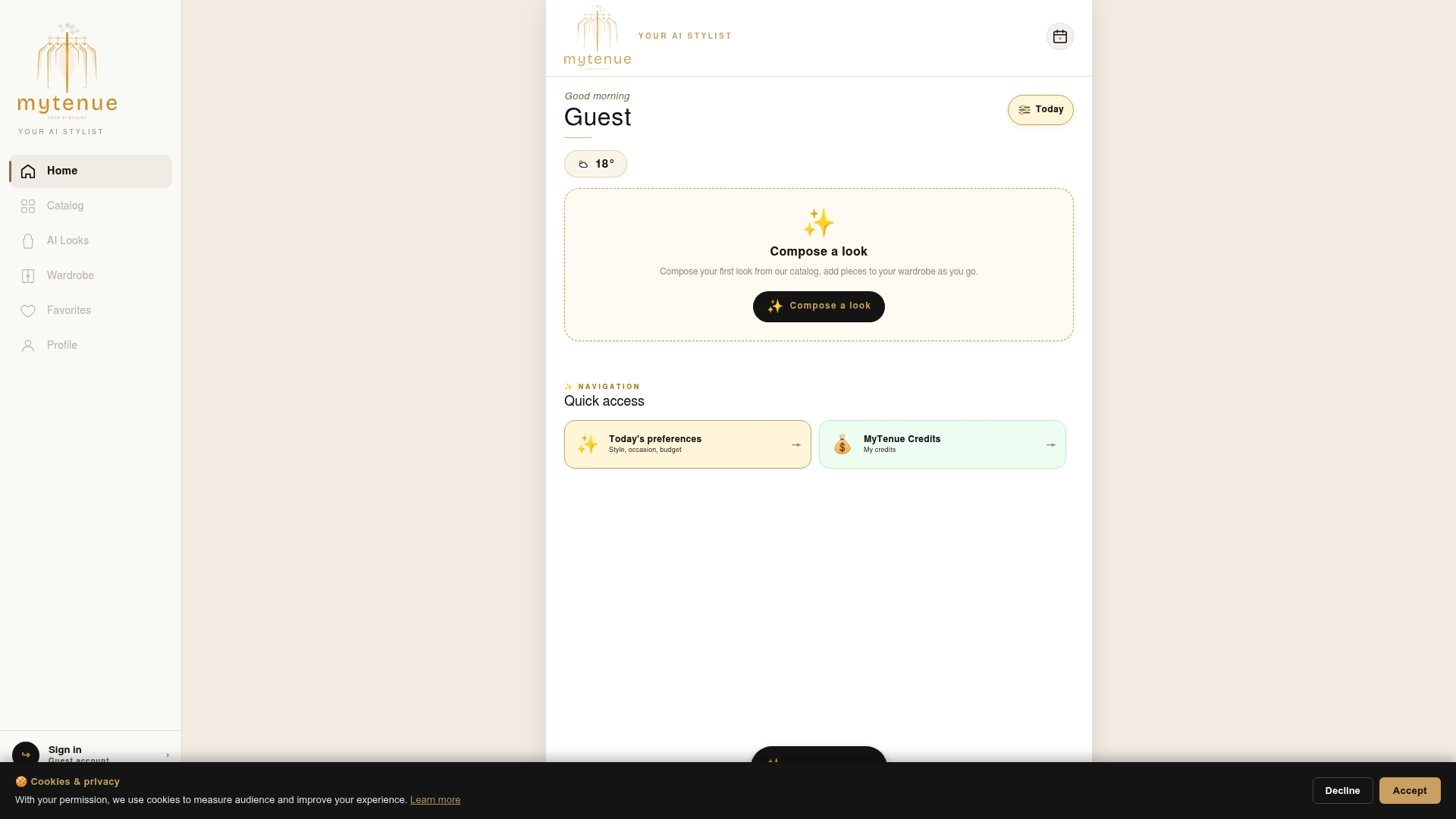
Start free, then upgrade when you want more. Plans are Free, Basic at €5.99 per month, Premium at €9.99 per month and Gold at €16.99 per month. See the plans and download the app.
How often to review your closet inventory
There is no official standard for this; it is a habit question. Our practical rhythm, built on how people use wardrobes in a temperate climate like France's:
- On every change: add a purchase or gift, remove a donation. Two minutes.
- Each season (four times a year): when you swap warm and light clothes, scan the list for items you did not touch. Thirty minutes.
- Once a year: a full pass with the four assessment questions. Two hours with an inventory in place, far less than the first time.
Use the 12-month wear test from step 2 as your yearly cut. If you track wears, the list does the work for you. For a structured annual pass, our two-hour capsule audit is a good model.
Common mistakes that break the workflow
- Recording before purging. You end up cataloging clothes you will give away.
- Too many fields. Six fields is the point where most people stop adding items.
- Inconsistent names. "Navy", "dark blue" and "marine" become three colors in a filter.
- Ignoring shoes and accessories. They drive many outfits and many duplicate buys.
- No next step. Decide in advance what you will do with the list: plan the week, shop with a gap list, pack for a trip. Our workweek outfit planning checklist is a ready use case.
Where to go next
With your inventory in hand, three follow-ups make it pay off. Build a seasonal base with wardrobe essentials for every season. Stretch what you own with the outfit stretching strategy. And if you juggle a family, see our family-friendly wardrobe guide.
FAQ
How do I inventory clothes if I have a very small amount of time?
Work by zone. Do one drawer or one rail per session and photograph or list only what you keep. Fifteen minutes a day finishes most closets in a week or two, and partial results are already useful for spotting duplicates.
What is the best way to organize clothes by category?
Use two levels: a main category such as tops, bottoms, outerwear, shoes and accessories, then a subcategory such as knitwear or sneakers. Count each group and match it to your hanging, drawer and shelf space. Keep season and occasion as tags so a piece never needs two homes.
Do I need an app, or is a spreadsheet enough?
A spreadsheet is enough if you only want counts and cost tracking. An app is better if you want photos, filters, outfit suggestions and a calendar in your pocket. Many people combine both, with photos for daily use and a sheet for yearly analysis.
Should I include items I rarely wear?
Only if they pass the assessment. A formal coat worn twice a year can stay if it fits and you have real occasions. Anything unworn for 12 months with no clear event ahead is a candidate to donate or sell.
Sources
- What a wardrobe inventory is and why you want one
- How to inventory your closet
- Il faut que le dressing soit visible (TF1 Info)
- Ranger son dressing à la Marie Kondo: 20 conseils
- Closet audit steps by a fashion wardrobe stylist
- How to organize your closet like a pro
- Wardrobe inventory and outfit logging methods