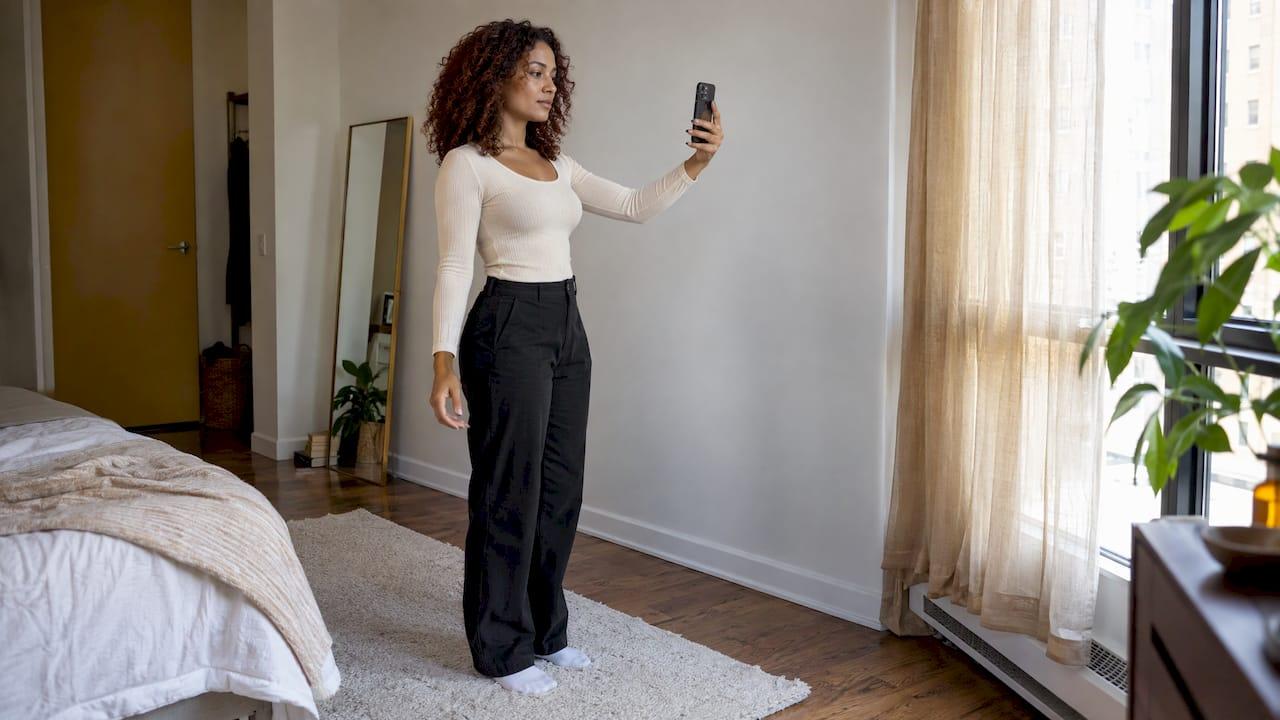
Soft, even, front-facing light gives the best virtual try-on. Stand facing a window in daylight, keep the background plain, and wear fitted clothes without creases. Harsh shadows, backlight and mixed bulbs are the usual culprits behind a fake-looking render or a wrong measurement.
This guide shows you how to set up your light, fix an avatar that doesn't match your body, and judge how far to trust a try-on. It also covers how an AI stylist compares with a human one.
TL;DR
- Use diffused daylight from in front of you. Avoid backlight, spotlights and a mix of warm and cool bulbs.
- Shadows, creased clothes and a cluttered background caused the largest measurement gaps in a 2021 body-measurement study.
- A try-on shows how a look reads: colour, style, proportions. It is a guide to size, not a guarantee.
- If your avatar looks off, correct the measurements first, then retake the photo in better light.
- In France, your photos and measurements are personal data under the GDPR. Check how an app stores and deletes them.
Table of Contents
- Why lighting changes everything in a virtual try-on
- The best light for a virtual try-on photo
- Quick setup checklist
- What to do when your avatar doesn't match your body
- How accurate is a virtual try-on?
- Privacy in France: check before you upload
- AI stylist: how reliable, and how does it compare with a human?
- Perspective
- Try it on your own wardrobe
- FAQ
- Sources
Why lighting changes everything in a virtual try-on
A try-on works by reading your body, then placing a garment on it. Light affects both steps.
First, the software needs to see your outline. Hard shadows can look like edges. A dark wall behind a dark top blurs the border between you and the room. The software then guesses, and guesses show up as odd shoulders, a bulky waist or a sleeve that floats.
Second, the render has to look physically believable. A survey in PMC on image-based virtual try-on lists shape, pose, occlusion, illumination, cloth texture, logos and text as the main challenges for realism. It adds that real-world fashion is more complex than laboratory conditions. You can't control the algorithm, but you can control the light and the background.
Good lighting won't fix everything. It removes the avoidable errors, so what remains is only what the technology can't yet do.
The best light for a virtual try-on photo
Use soft daylight from the front
Stand one to two meters from a large window and face it. The light wraps evenly around your body. Early morning and late afternoon give a gentle tone. Direct midday sun through glass creates sharp patches, so hang a sheer curtain or move back from the window.
Overcast days are ideal. Paris in November is not short of them, so you have a free softbox.
Avoid these lighting mistakes
- Backlight. A window behind you turns you into a silhouette. Turn around.
- Overhead spotlights. Ceiling downlights cast shadows under your chin, bust and waist. Switch them off and rely on daylight.
- Mixed color temperatures. A warm lamp plus cool daylight tints one side of your clothes orange. Garment colors then look wrong in the render. Use one light source.
- Side light only. One strong side creates a dark half. Face the window or add a white wall or sheet opposite to bounce light back.
- Phone flash. It flattens fabric texture and creates a harsh glare on satin or synthetic materials.
Check the background
Pick a plain wall in a light neutral tone. Remove the clothes rack, the mirror and the busy shelves. The same 2021 study found the largest measurement differences with creased clothing, poorly diffused light and an extremely cluttered background. Those three things are easy to fix in two minutes.
Evening and artificial light
No daylight? Use a single diffused source. Put a lamp with a white shade or a bounced bulb in front of you, slightly above eye level, and switch off the others. Keep the bulbs identical in color. Then take a test photo and look for dark patches under your arms or chin before you commit.
Quick setup checklist
- Choose a plain wall with no clutter.
- Face a window, or use one soft lamp in front of you.
- Switch off other lights.
- Wear fitted, wrinkle-free clothes in a color that contrasts with the wall.
- Hold the phone at chest height, level, and stand straight.
- Include your whole body, feet to head, with space around you.
- Check the photo for shadows and blur before uploading.
If you also photograph garments for your digital wardrobe, the same rules apply. Our guide on photographing clothes for AI try-on walks through four angles and how to keep those photos private.
What to do when your avatar doesn't match your body
Lighting is one cause of a wrong avatar. Measurements and pose are the others. Work through them in this order.
1. Recheck your measurements
Use a soft tape on bare skin or thin clothing. Measure bust, waist and hips at their fullest points. Don't pull the tape tight. Many avatar tools let you edit the numbers. Professional 3D clothing software works the same way: CLO's support page on avatar size says height measured to the neck or the inseam is more accurate than total height for building a full body shape. It also warns that a small error can appear when you enter measurements, and that you should check the values actually applied.
The lesson for any app: after you enter numbers, look at what the avatar actually shows. Don't assume the input was applied exactly.

2. Retake the photo
If the avatar is built from a photo, bad light is the first suspect. Retake it using the checklist above. Keep your arms slightly away from your body so the software can see your waist line.
3. Check your posture and clothes
Baggy tops hide your shape, so the avatar guesses. Fitted layers help. Stand square to the camera with relaxed shoulders.
4. Compare with a garment you know
Try a piece you already own, and compare the render with how it fits in real life. If the shoulders and length look right but the waist looks off, adjust that one measurement. Small steps beat starting over.
For a longer walk-through of getting sizes right, see our guide on accurate virtual try-on sizing in six steps.
How accurate is a virtual try-on?
The honest answer: accurate for look, indicative for size.
Three levels of technology
France's government digital guide, FranceNum, separates three maturity levels. The first is a size recommender that crosses body data with garment measurements and return history. The second is a virtual fitting room on a mannequin whose shape is close to the customer's. The third is augmented-reality try-on, which overlays the garment on your body through the phone camera or a photo.
Each answers a different question. A mannequin or avatar try-on shows you how colors, proportions and styling work together. A size recommender estimates which size to order.

What the measurement studies say
Research on measuring bodies with phones gives a realistic picture:
- In a study of cloud-based AI body measurement with 20 volunteers, waist, hip and bust measurements differed from tape measurements by less than 3% on average, with a median difference under 1 inch.
- A German study of 3D scanning mobile apps found accuracy generally acceptable for medium sizes. Errors grew for larger sizes, with relative error trending down to -12%.
- A 2022 comparison of scanning apps found bust, waist and hip circumferences exceeded allowable errors.
The results vary by app, method and conditions. Controlled light and clean photos matter, which is why the setup above is worth the effort.
How to read a try-on result
Use it to judge:
- Whether a color suits your skin tone and your wardrobe.
- Whether a silhouette (cropped, oversized, high-waisted) works with your proportions.
- Whether two pieces go together.
For size, treat the result as a guide and read the brand's size chart too. FranceNum says size recommendations should be presented as indicative, not as a contractual guarantee. If you want to go deeper on how to judge render quality, our six fidelity checks for virtual fitting give you a simple scoring grid.
Privacy in France: check before you upload
A try-on asks for photos and measurements. Both are personal data. According to FranceNum, size, weight, measurements and photos collected for virtual try-on are personal data subject to the GDPR. Services should explain why they collect it, ask only for what is strictly necessary, let you delete it at any time and secure access.
FranceNum also notes that some solutions may involve biometric data, and recommends particular vigilance and favoring analysis on the device without keeping images.
Before you upload, look for:
- A clear explanation of what is stored and why.
- A way to delete your photos and your account.
- A privacy policy in a language you read.
Our article on AI outfit matching in France and CNIL rules covers this in more detail.
AI stylist: how reliable, and how does it compare with a human?
What an AI stylist does well
An AI stylist works from data: your wardrobe, the occasion, the weather, the colors and fabrics you own. It is fast, available at any hour and consistent. It suits the daily question of what to wear with what you already have, and it can plan a week in a few minutes. For more on how this works, see how AI curates complete looks.
Its suggestions are only as good as the information it receives. Clear photos of your clothes, accurate measurements and honest style preferences give better outfits. That's one more reason to take good, evenly lit pictures.
What a human stylist does well
A human stylist reads you in person: your mood, your job, your habits. They can handle a one-off event or a big wardrobe overhaul, and they bring taste and a point of view. That is valuable for a major style shift.
How they work together
The two serve different moments. Use an AI stylist for daily outfits, planning and wardrobe organization. Bring in a human when you want a personal consultation for a special project. Many people use the app for the everyday and a person for the occasional. Whichever you choose, treat advice as a starting point and trust your own eye on comfort and fit.
Perspective
Lighting is the least glamorous part of virtual try-on and the one that quietly decides the result. We see it all the time: a user gets a flat or odd render, and the cause is a backlit window or a lamp behind them.
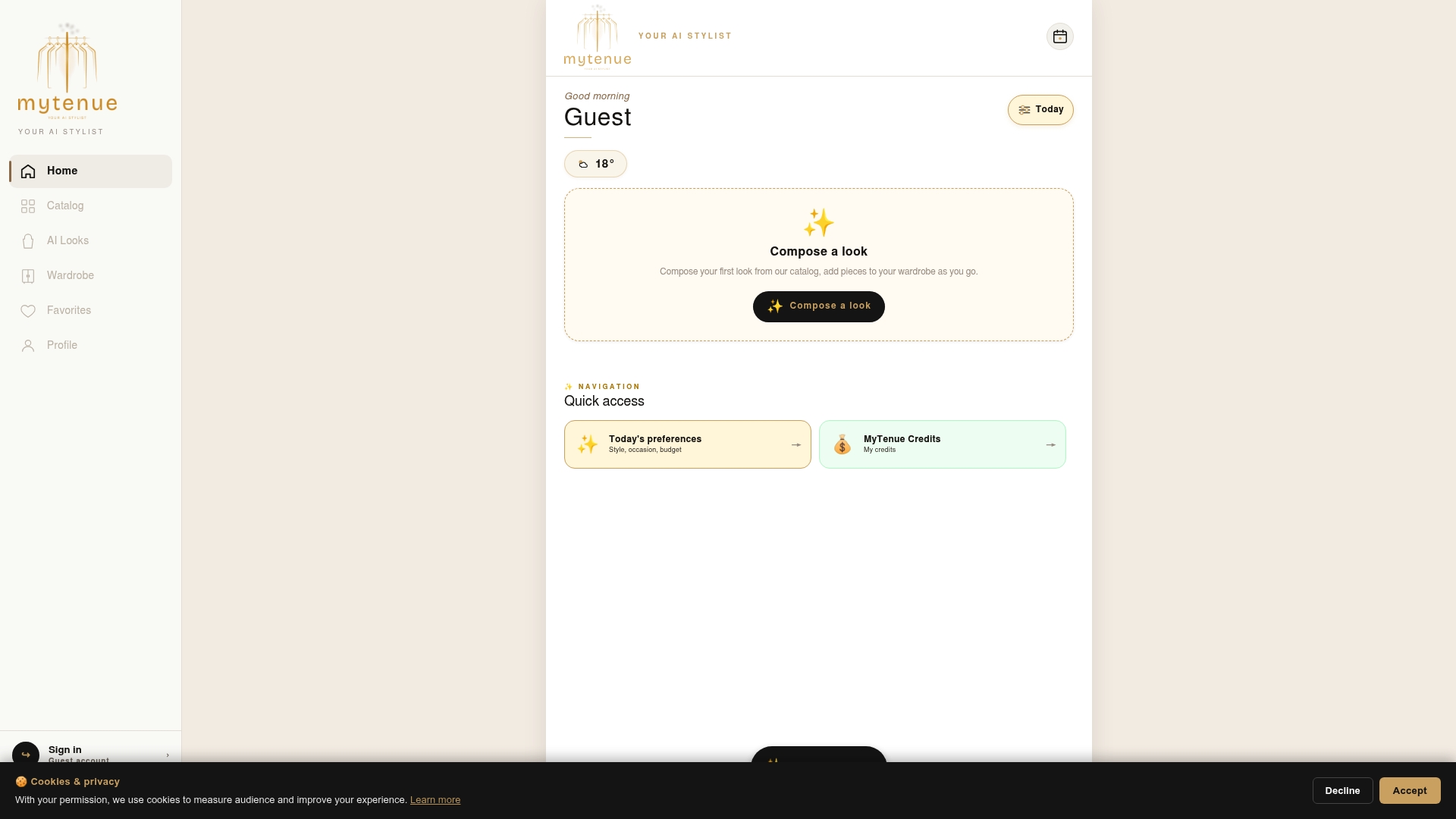
That's why we built Mytenue around your own wardrobe. Your personal avatar, high-quality virtual try-on, look scoring and editorial flat-lay images are designed to work together, so you judge an outfit from several angles instead of one render. Add the weather and the occasion, and the app helps you decide in seconds.
Our approach is simple: good input, good output. Two minutes with soft daylight and a plain wall gives our AI the clearest picture of you. Then it can do what it is designed for: propose looks that fit your style, your day and your budget.
Ahmed
Try it on your own wardrobe
Ready to put this into practice? Mytenue is your AI stylist for iOS and Android, with a bilingual French and English interface. Digitize your wardrobe, try outfits on your personal avatar, get daily weather-adapted suggestions and plan your week with the calendar.
The Free plan lets you start without a published price. Paid plans are Basic at €5.99 per month, Premium at €9.99 per month and Gold at €16.99 per month, as published on our site at the time of writing.
To build a wardrobe that works with your try-ons, read our guide on smart shopping and building a wardrobe.
FAQ
What is the best lighting for a virtual try-on?
Soft, diffused daylight from in front of you, with a plain background. Avoid backlight, overhead spotlights and mixed bulb colors. Shadows and clutter are linked to the biggest measurement gaps in research on AI body measurement.
Why does my avatar look different from me?
The usual causes are shadows in the photo, baggy clothes, a cluttered background or measurements entered slightly off. Retake the photo in even light, wear fitted clothes and check the numbers you entered. Then compare the render with a garment you own.
Can a virtual try-on tell me my exact size?
Treat it as indicative. A try-on is excellent for judging color, style and proportions. For size, read the brand's size chart and use the result as a guide, not a guarantee, as FranceNum advises for size recommendations.
Is it safe to upload my photos and measurements?
In France, they count as personal data under the GDPR. Check what the app stores, why, and whether you can delete everything at any time. Prefer services that explain their data use clearly.
Is an AI stylist better than a human stylist?
They do different jobs. An AI stylist is quick and always available for everyday outfits from your own wardrobe. A human stylist suits a personal consultation or a major style change.
Sources
- Comparison of 3D body scanning mobile applications (2022)
- "PS for You": contactless, remote, cloud-based body measurement (2021)
- Investigation of usability and measurement accuracy of 3D body scanning apps
- You can try without visiting: a survey on virtual try-on (PMC)
- CLO support: Adjust Avatar Size
- FranceNum: size aid and virtual try-on guide