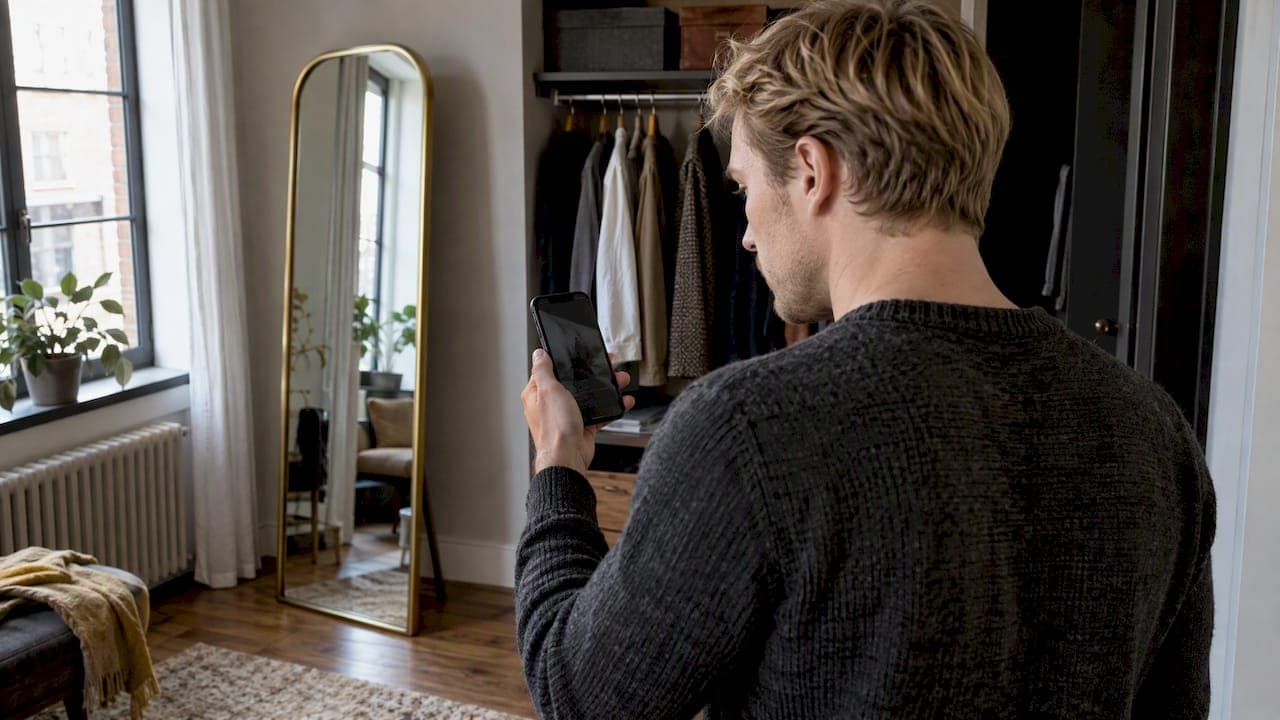
Virtual try-on takes a picture of you, or your live camera feed, and a picture of a garment. It then shows the two together, so you can judge style, color and proportions before you buy or get dressed. Some tools overlay the item in real time with augmented reality. Others use AI to generate a new image of you wearing it. Below: what happens behind the screen, how to use it, what to expect, and how to keep your photos safe.
TL;DR
- Virtual try-on combines your image, a digital version of the garment and rendering software, often AI-driven, to show the item on you.
- Two main approaches exist: live AR overlay on a camera feed, and AI-generated images from a photo.
- A well-lit photo, plain background and fitted clothes give the best results.
- It helps you compare style, color and proportions. It does not guarantee fit, comfort or exact color, so check the size guide.
- Your photos and measurements are personal data under the GDPR: read what the app keeps, and delete what you do not want stored.
Table of Contents
- What virtual try-on actually is
- The two main approaches
- What happens between your photo and the result
- How to use virtual try-on, step by step
- What virtual try-on shows well, and how to read it
- Privacy: what happens to your photos
- Our perspective
- Try it with your own wardrobe
- When virtual try-on is most useful
- Virtual try-on apps in France: what to look for
- Common mistakes that spoil a try-on
- FAQ
- Sources
What virtual try-on actually is
Virtual try-on is a family of technologies that let you preview a product on yourself without wearing it. It covers clothing, shoes, accessories, jewelry and makeup. An academic survey of the field lists these categories and notes the technology may help reduce returns and improve customer satisfaction.
The idea answers a simple problem. Online, you cannot see how a color sits against your skin or how a cut falls on your frame. Virtual try-on closes part of that gap. It sits between a flat product photo and a fitting room.
It is not one single technology. Behind the label you will find computer vision, image processing, augmented reality and, more and more, generative AI. What differs from one app to another is the input it needs and the type of result it gives you.

The two main approaches
Live AR overlay
You point your phone camera at yourself. The software finds your face, hands, feet or body in the video, tracks them frame by frame, and places a digital object on top: glasses, a watch, a pair of sneakers, a lipstick shade. The result moves with you.
This works well for rigid or small items, because their shape is easy to anchor to a point on the body. Fabric is harder. A shirt drapes, folds and stretches, which a simple overlay cannot mimic well.
AI image generation from a photo
For clothing, many recent tools work from still images. You provide a photo of a person and a photo of a garment. The model then generates a new image of that person wearing the garment, adjusting fold, shadow and drape. This is why the garment photo and your own photo both matter so much.
The output is a picture, not a live video. In return, it can show fabric behavior much more convincingly than a flat sticker laid over your body.
Avatar-based try-on
A third route builds a reusable digital version of you, an avatar or personal mannequin, once. Every outfit is then dressed on that same figure. You do not upload a new photo each time, and you can compare several looks side by side on the same body.
What happens between your photo and the result
The details vary by product, but the pipeline follows the same logic. Here is a plain-language walk through it.
- Capture. The app reads your photo or video. It looks for your pose, your outline and key points such as shoulders, waist and hips. A clear image makes this step more reliable.
- Separation. The software separates you from the background. If another person or a cluttered scene is in the frame, this step gets harder, which is why guides ask for a clean backdrop.
- Garment preparation. The clothing item is also processed. The system isolates it from its background and reads its shape, color, pattern and texture. A garment photographed flat on a plain surface is easiest to handle.
- Fitting. The system maps the garment onto your body shape: where the neckline sits, how long the sleeves run, how the hem falls against your hips.
- Rendering. It produces the final image or frame, blending light, shadow and fabric folds so the result looks like one picture rather than a cut-and-paste.
When a result looks off, the cause is usually in steps one to three: a blurry photo, a hidden arm, a wrinkled or poorly lit garment image. That is useful to know, because it means you can improve your results with better inputs.
How to use virtual try-on, step by step
Most tools ask for the same few things. As an example, here is how a major shopping search engine describes its own try-on feature. According to its help page, you search for a top, bottom or dress, select an eligible product, click "Try it on," and upload a photo of yourself or one you have permission to use.
The same page recommends a well-lit photo with a clean background, no other people, and fitted clothing. It can be a full-body image or a selfie. Availability depends on the country, so check that the feature is offered where you live.
In a dedicated app, the flow is usually even simpler:
- Download the app from the App Store or Google Play.
- Create your profile, and your avatar or upload your reference photo.
- Choose a garment: from a shop, from a catalog, or from your own wardrobe photos.
- Launch the try-on and wait a few seconds.
- Compare, save the looks you like, and delete the photos you do not want kept.
Taking a photo that gives good results
- Stand in daylight or even indoor light, facing the camera.
- Choose a plain wall behind you.
- Wear fitted clothes so the software can read your outline. Baggy layers hide your shape.
- Keep your full body in frame if the tool offers full-body try-on.
- Be alone in the picture.
- Check the background for anything private. A French consumer guide to virtual fitting advises against sending photos where your home, relatives or visible documents appear behind you.
If you want to digitize your own clothes for try-on, the way you photograph them matters as much. Our guide on how to photograph clothes for an AI try-on app covers four angles and keeping photos private.
What virtual try-on shows well, and how to read it
Virtual try-on is strongest on three questions:
- Style. Does this cut suit the way you dress?
- Color. Does this shade work with your coloring and with what you already own?
- Proportions. How does the length, volume or silhouette look on a body like yours?
A French professional source on virtual fitting confirms that the tool helps compare styles, colors and volumes, and is useful for prescreening items before buying. The same page is clear that it does not guarantee fit, comfort or precise color. Measurements and the product's size guide remain the reference for choosing a size.
Here is a practical way to use that:
| Question | Try-on helps? | What to also check |
|---|---|---|
| Does this style suit me? | Yes | Your own taste and occasion |
| Do these colors go together? | Yes, as an indication | Daylight, screen settings, fabric swatch if possible |
| How will the length look? | Yes | Product measurements in cm |
| Will it fit my body? | Partly | Size guide, your own measurements |
| Will it be comfortable? | No | Fabric composition, reviews, return policy |
Screens vary in brightness and calibration, so any color you see is an approximation. If a shade matters, for a wedding or a work outfit, treat the preview as a shortlist tool, not a final verdict. For sizing, our guide to accurate virtual try-on sizing in six steps shows how to combine the preview with your measurements. And if you want to judge the quality of a rendering, six fidelity checks give you a simple score.
Privacy: what happens to your photos
A try-on photo is not a neutral file. It shows your body and often your face. France's public guide for businesses, France Num, states that photos and measurements used in try-on are personal data subject to the GDPR. It adds that image analysis may involve biometric data and calls for particular vigilance. Users must be able to delete their data.
The same guide recommends that providers explain why data are collected, request only what is necessary, let users delete their data, secure access, and prefer on-device analysis without keeping the images. The French data protection authority points the same way: its recommendation on mobile applications favors processing on the device under the user's control, along with data minimization and security. It also confirms the GDPR applies to personal-data processing by apps within its scope.
What this means for you, before you upload anything:
- Read what the app says it does with your photo, and whether it keeps it.
- Look for a delete option for photos and your avatar, and use it when you are done.
- Do not upload pictures of other people without their permission.
- Use a neutral background.
- Download apps from the official App Store or Google Play.
We go deeper on this topic in our article on seeing outfit previews on your own photo with privacy in mind.
Our perspective
Most virtual try-on tools answer one question: how does this one item look on me? That is useful. But nobody gets dressed one item at a time.
At Mytenue, we think the real value starts when the preview meets your actual wardrobe. A new jacket only matters if it works with the trousers, the shoes and the weather you already have. So our approach starts from what you own: you digitize your wardrobe, our AI looks at color, fabric, style and occasion compatibility, and proposes complete looks.
The try-on is where those looks become visible. You see the outfit on your personal avatar, and you can also get an editorial flat-lay image of the pieces together. We designed it so that a decision that used to take ten minutes in front of a mirror takes a few taps.
We also believe this is a more sustainable way to shop. When you can see how a new piece combines with what you already own, you mix and match more, and you buy with more intention.
Ahmed
For the reasoning behind this, read the real role of virtual fitting rooms in fashion and how AI curates complete looks.
Try it with your own wardrobe
Mytenue is your AI stylist, on iOS and Android. Digitize your clothes, try outfits on your personal mannequin, get weather-adapted suggestions each day, and plan your week in a calendar. The interface is available in French and English.
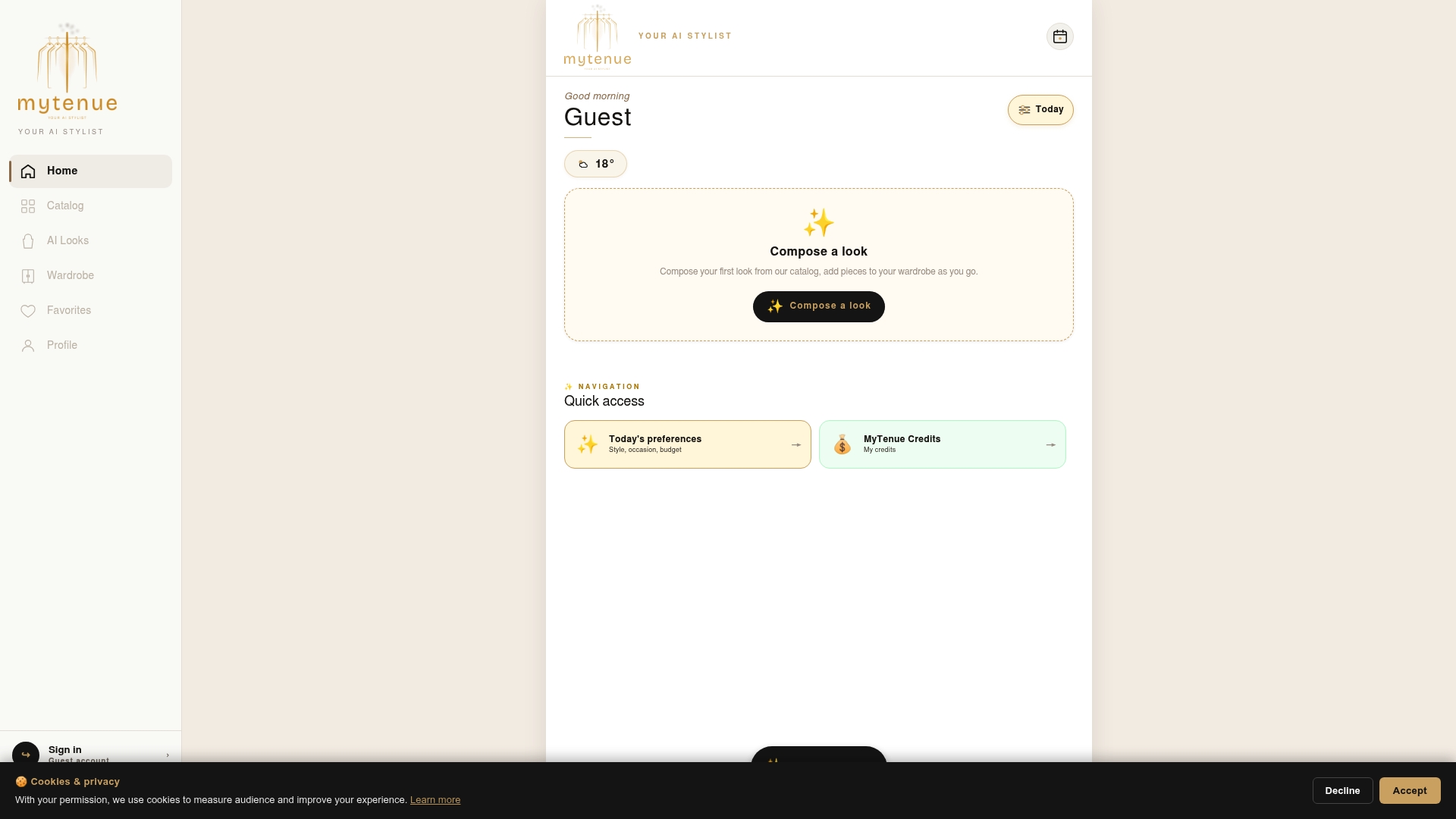
There is a free version to start with. Paid plans, as listed on the Mytenue app page at the time of writing, are Basic at 5.99 € per month, Premium at 9.99 € per month and Gold at 16.99 € per month. Check the page for what each plan includes. New to wardrobe digitizing? Start with our step-by-step guide to digitizing your wardrobe.
When virtual try-on is most useful
The feature earns its place in a few everyday situations.
- Prescreening online purchases. Before you add a piece to your basket, check that the cut and color appeal to you on a body like yours. The academic survey notes the technology can address shoppers' uncertainty and may help reduce returns.
- Building outfits for an occasion. Interview, wedding guest, weekend trip: see several combinations side by side before the day.
- Dressing on a budget. Students and young professionals can test what a new item adds to what they own, rather than buying a piece that stands alone.
- Saving time in the morning. Busy parents can plan outfits ahead, check the weather and skip the pile of rejected clothes on the bed.
- Refreshing a wardrobe with little effort. Try new combinations from clothes you already have. No purchase needed.
Virtual coordination is more than try-on alone. If you want to see how a preview fits into a wider styling routine, read what virtual outfit coordination means and the real role of visual styling tools.
Virtual try-on apps in France: what to look for
In France, you will meet try-on in several forms: features inside a fashion retailer's own app, tools built into shopping search, and dedicated styling apps. Availability is uneven. One media report found a major fashion retailer's try-on tool unavailable in its French app when the article was published, with access requiring an account in another country. Features roll out country by country and change often, so check that the one you want works on your account.
When you compare apps, use this checklist:
- Input. Does it need a photo, a live camera, or a one-time avatar?
- Scope. Does it work only on one shop's products, or on your own clothes too?
- Result quality. Do fabrics, folds and proportions look believable? Our six fidelity checks help you judge.
- Beyond the preview. Does it help you decide what to wear, plan outfits and read the weather?
- Data handling. Is it clear what is stored, and can you delete your photos and avatar?
- Language and platforms. Is the interface in French, and is the app on both iOS and Android?
- Price. Is there a free version to test before you pay?
Mytenue is built around the points that go past the single preview: your own wardrobe, an avatar try-on, look scoring, flat-lay images, daily suggestions and an outfit calendar, in French and English, on mobile and web.
Common mistakes that spoil a try-on
Most disappointing results come from small, fixable habits.
- A dark or blurry photo. The software cannot read your outline. Move to a window.
- Loose, layered clothes in the reference photo. They hide your shape, so the garment is fitted onto the wrong silhouette.
- Cropped framing. If your feet or head are cut off, proportions can look wrong.
- A creased garment image. Wrinkles in the product photo carry into the result.
- Trusting the preview for size. Use it for look and feel. Use the size guide for size.
- Forgetting cleanup. Photos and avatars you no longer use should be deleted.
A good habit is to run the same outfit twice with two different photos. If the results differ a lot, you know the input, not the garment, is driving the look.
FAQ
How does virtual try-on work?
The software reads your photo or live video, finds your body outline, and processes the garment image. It then fits the garment to your shape and renders a final picture or video. Live AR tools overlay the item as you move, while AI image tools generate a new picture of you wearing it.
How do I use virtual try-on?
Pick an item in an app or shop that supports it, choose the try-on option, and upload a photo of yourself or use your camera. A well-lit photo with a clean background, no other people and fitted clothing works best, as Google's own guidance explains. Then compare the result with the size guide before you buy.
Is virtual try-on accurate?
It is reliable for judging style, color and proportions as an indication. It does not guarantee fit, comfort or exact color, so measurements and size guides stay essential. Think of it as a smart shortlist, not a fitting room replacement.
Is virtual try-on safe for my photos?
It can be, if you choose carefully. In the EU, photos and measurements are personal data under the GDPR, and image analysis may involve biometric data. Check what the app keeps, prefer tools that process images on your device, avoid private backgrounds, and delete your photos when you are done.
Is virtual try-on worth it?
It is worth it if you use it to prescreen purchases and to build outfits from clothes you already own. It saves time and can help you avoid buying pieces that do not suit you. For the best value, pick a tool that works with your own wardrobe, not only with a shop's catalog.
Sources
- Google Shopping Help: How the Google Try-On tool works
- France Num: setting up a size aid and try-on
- CNIL: Recommendation on mobile applications (2025)
- Journées Achat Responsable: virtual fitting for clothes and accessories
- PMC: You can try without visiting, a comprehensive survey on virtual try-on
- Tuxboard: virtual clothing try-on tool and its availability