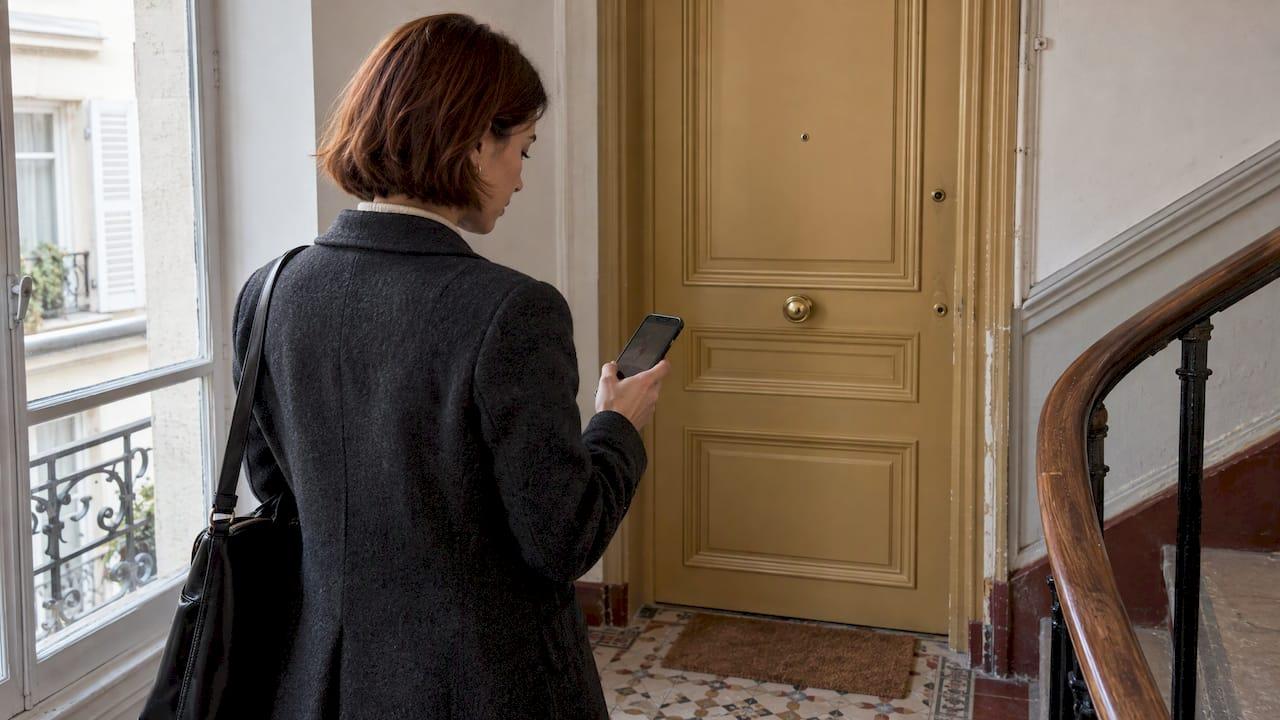
You can reach a digital wardrobe from your phone or from a browser. With MyTenue, you get mobile and web access, so your closet, your outfits and your planning follow you from the bus to the laptop. Download the iOS or Android app from mytenue.com/app, sign in, and start with the free plan.
That is the short version. Below: what a web wardrobe app really is, how to get in, how to load your clothes, and what try-on and flat-lay features need from you.
TL;DR
- A web wardrobe app is a digital closet you reach online, not only through a phone icon. MyTenue offers mobile and web access.
- The apps are available on iOS and Android. Download them from the MyTenue app page.
- The Free plan has no published price. Basic is 5.99 € per month, Premium 9.99 € per month and Gold 16.99 € per month.
- Add your clothes once, then get outfit ideas, weather-adapted suggestions, virtual try-on on your personal avatar and editorial flat-lays.
- The interface is bilingual, French and English.
Table of Contents
- What a web wardrobe app actually is
- How to access MyTenue: phone and web
- Load your closet: the setup that pays off
- What you can do once you are in
- Which setup fits you
- Your first week, step by step
- Our point of view
- Ready to try it
- FAQ
- Sources
What a web wardrobe app actually is
A wardrobe app turns your closet into a catalog. You photograph or add your clothes. The app sorts them. Then it suggests outfits from what you already own.
The "web" part is about access. Some tools live only on one phone. A web wardrobe app lets you open the same closet from more than one place: a phone, a tablet, a computer. That matters in real life. You plan on the couch with a big screen. You check the forecast at the door with your phone.
The idea is spreading. In September 2026, 01net reported that Google Photos is launching a virtual wardrobe that scans your gallery for clothes you have worn, suggests pairings and offers a generative-AI try-on button. It arrives first for US users and is not yet available in France. In France, you do not have to wait: a dedicated styling app is available now.

How to access MyTenue: phone and web
Three ways in, one closet.
- iOS. Get the app from the App Store through the download page.
- Android. Get it from Google Play through the same page.
- Web. MyTenue offers mobile and web access, so you can open your account from a browser too.
On the app page you can also scan the QR code from your computer screen with your phone. Fast.
The interface speaks French and English. Pick the language you like. Nothing else changes.
Start free
The Free plan is the simplest first step. No published price. Open the app, create your account, and look around. You can move up to a paid plan later from inside the app.
Pick your plan
| Plan | Price | Good for |
|---|---|---|
| Free | No published price | Discovering the app and starting your closet |
| Basic | 5.99 € per month | Regular use |
| Premium | 9.99 € per month | Heavier use of styling features |
| Gold | 16.99 € per month | The fullest experience |
Prices are those published on the MyTenue site in 2026. The app page shows the current plans. Subscription terms are in the Terms of Sale and the Terms of Use.
Load your closet: the setup that pays off
An empty app suggests nothing. A full closet suggests a lot. So the first session is the one that counts.
Start small
Do not digitize 200 items on day one. Begin with the pieces you wear every week: jeans, a jacket, three tops, shoes. Our guide on how to organize your wardrobe walks through a first scan of 15 items, which is enough to start getting AI outfits.
Photograph cleanly
Good photos make good results. Lay the piece flat or hang it on a plain background. Use daylight. Keep the whole garment in frame. For try-on, a method with several angles works best: see how to photograph clothes for AI try-on, including how to keep your photos private.
Let the AI read each piece
MyTenue analyzes color, fabric, style and occasion compatibility. That is what lets it say a shirt works for the office but not for a hike. You stay in control of your closet. The app does the matching.
Add what you are missing
The premium catalog, paired with loyalty credits, lets you bring new pieces into your looks. Mixing what you own with a few new items is also a lighter way to build a wardrobe: you buy less, and each item has a place.
What you can do once you are in
Outfit ideas from your own clothes
The AI builds outfits from your wardrobe, not from a stranger's catalog. Each look is scored, so you see how well pieces go together. If you want to know how it composes whole looks, read how AI curates complete looks.
Daily suggestions that follow the weather
Every morning, you get ideas adapted to the weather. Rain in Lille, heat in Marseille: the suggestion changes. For busy parents and anyone leaving the house in ten minutes, this is the feature that gets used most.
Virtual try-on on your personal mannequin
You create a personal avatar, your mannequin. Then you try a look on it before putting anything on. The result depends on your inputs: clear photos, good light. Our page on virtual try-on lighting explains how to get accurate renders. For the wider picture, read the real role of virtual fitting rooms.
Editorial flat-lays
A flat-lay is a look laid out as a photo seen from above, the way a magazine would show it. MyTenue generates these editorial flat-lay images from your outfit. Handy to save a look, compare two options, or share an idea with a friend.

Planning with a calendar
Put outfits on a calendar. Monday meeting, Thursday dinner, weekend trip. No more last-minute panic, and no repeat of the same sweater three days running.
Which setup fits you
- Young professionals. Plan the week on Sunday evening. Use occasion matching for the office and after-work plans.
- Busy parents. Open the app, read the weather-adapted suggestion, dress. Two minutes.
- College students. Start on Free. Mix what you own before buying anything.
- Fashion enthusiasts. Explore try-on, scoring and flat-lays. Our post on predictive fashion technology shows where this is heading.
- Minimal-effort wardrobe builders. Scan 15 pieces, let the AI propose looks, add the calendar later.
Want a lighter overview of the category? See our picks on a style helper app for fast outfit picks and an OOTD app for everyday style. To understand how inspiration and discovery work, read what a style discovery app is.
Your first week, step by step
- Day 1. Download the app. Create your account. Choose French or English.
- Day 1. Add 15 pieces you wear often.
- Day 2. Open the first outfit suggestions. Save the ones you like.
- Day 3. Create your avatar. Try a look on it.
- Day 4. Generate a flat-lay of your favorite outfit.
- Day 5. Put next week's looks on the calendar.
- Day 7. Add more clothes. Compare your plan with your real week.
By the end of week one, you have a working digital closet, reachable from your phone and the web.
Our point of view
A closet app should save you time on day one, not take a weekend to set up. That is why we start from what you already own.
We built MyTenue as an AI stylist that works from your own wardrobe. It scores looks, shows them on your avatar, lays them out as flat-lays and adapts them to the weather. Mobile and web access keep it all in one place.
Style is personal. A good tool gives you options, then steps aside. Wear more of what you have. Add a piece only when it earns its place.
Ahmed
Ready to try it
MyTenue is your AI stylist: your wardrobe, your avatar, your calendar. Start with the Free plan, then move to Basic, Premium or Gold when you want more. Download the app for iOS or Android on the MyTenue app page.
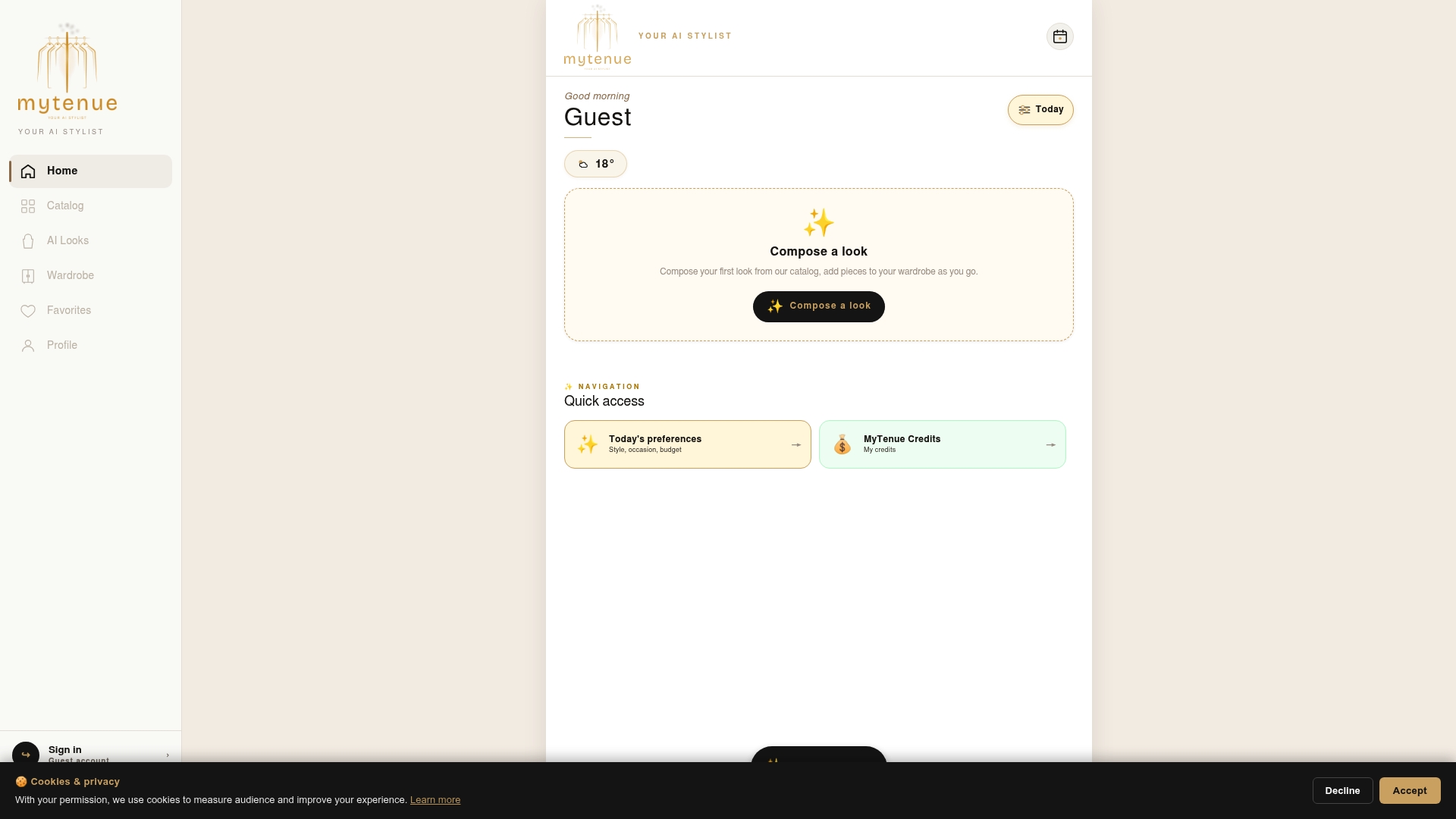
New to the brand? Visit MyTenue for the overview.
FAQ
Can I use MyTenue in a browser, or only as a mobile app?
Both. MyTenue offers mobile and web access, plus apps for iOS and Android. Download the apps from the MyTenue app page. Your closet is one account, wherever you open it.
Is there a free version?
Yes. The Free plan has no published price. Paid plans are Basic at 5.99 € per month, Premium at 9.99 € per month and Gold at 16.99 € per month. You can upgrade from inside the app.
Is the app available in French?
Yes. The interface is bilingual, French and English. You choose the language you prefer.
What do I need for virtual try-on?
You need your personal avatar and clear photos of your clothes, taken in good light. See our guides on photographing clothes and try-on lighting for the details.
How do I delete my account?
Use the account deletion page. It explains the steps.